Home U.S. Coin Forum
Options

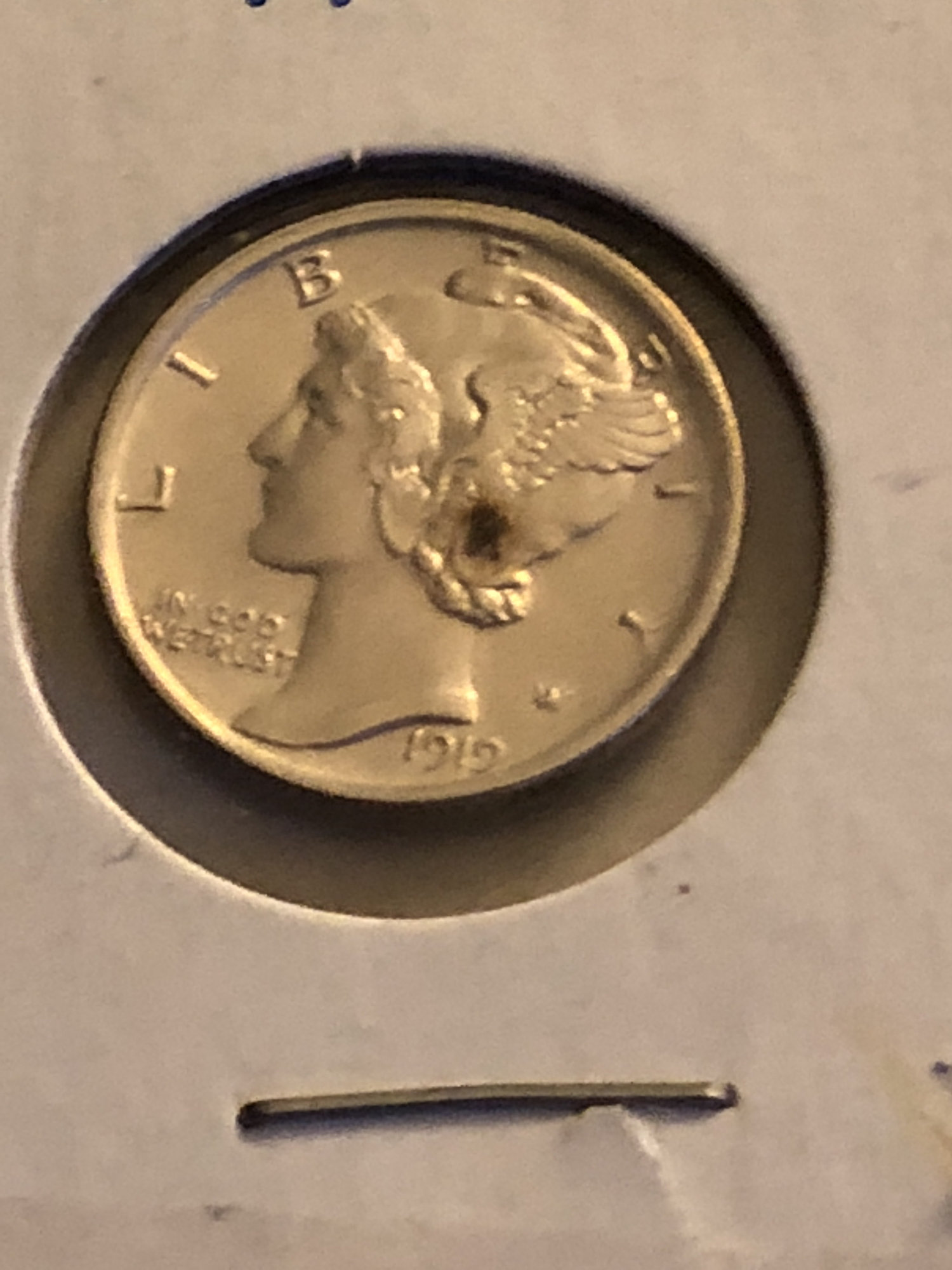
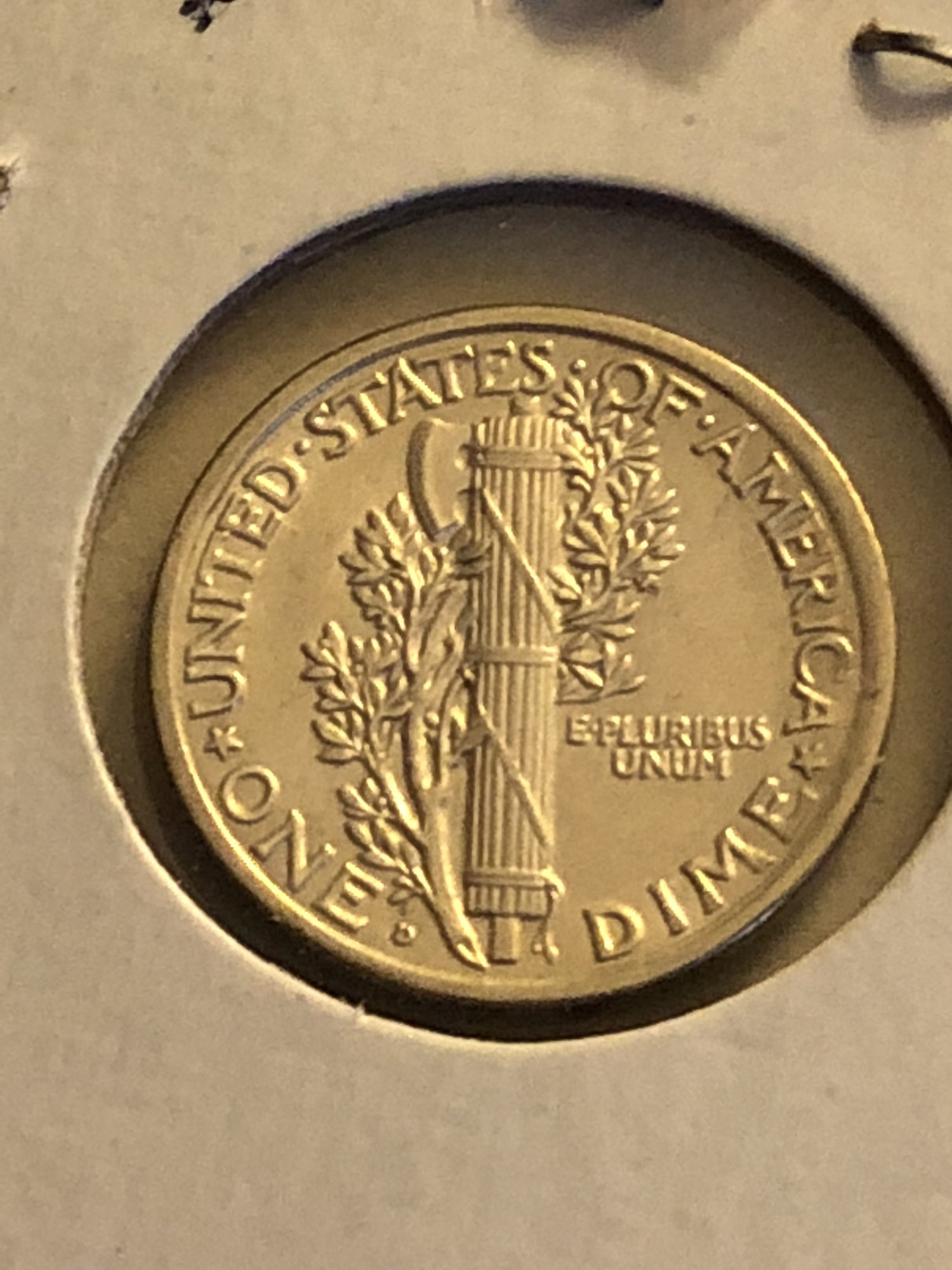
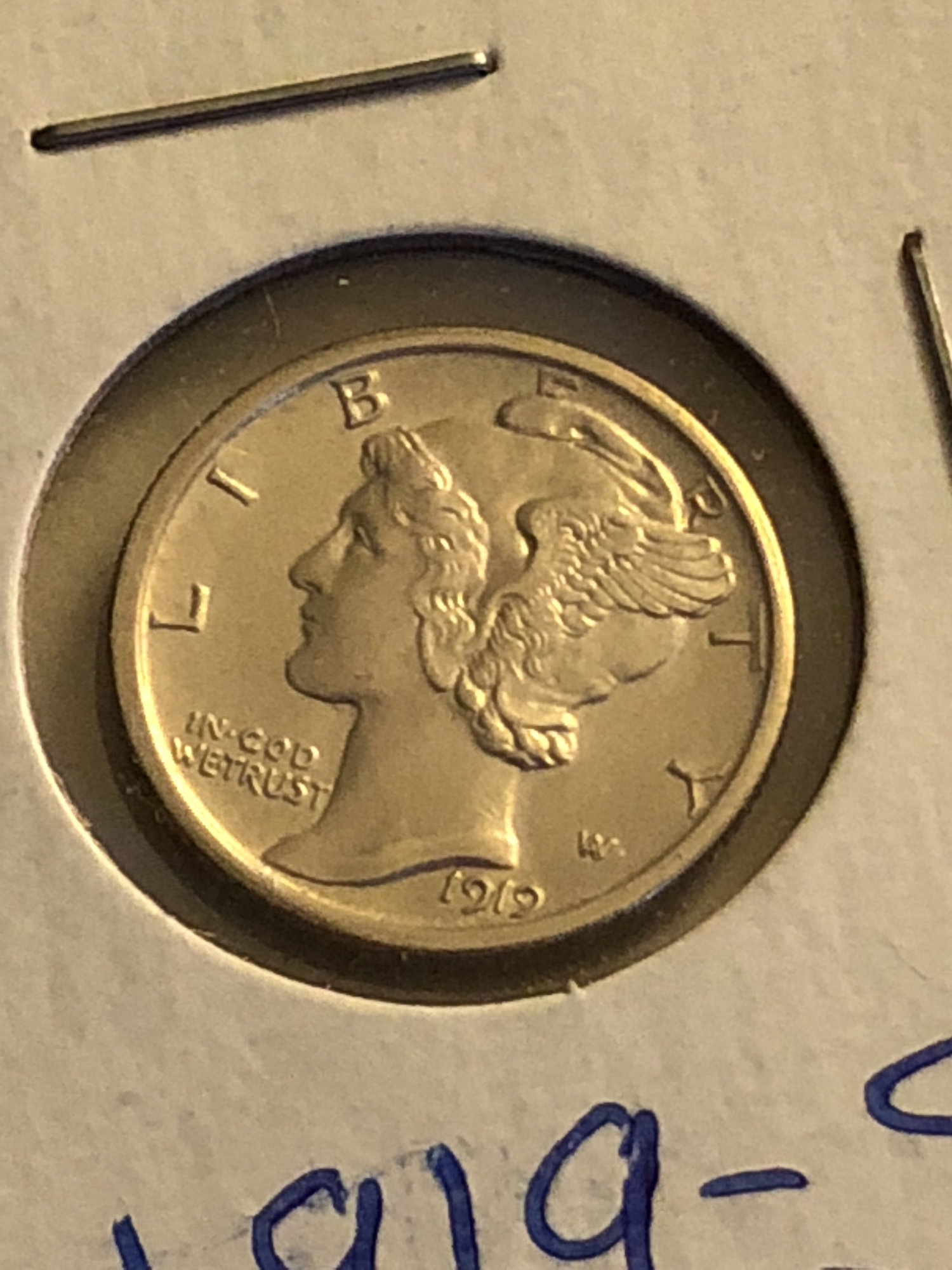
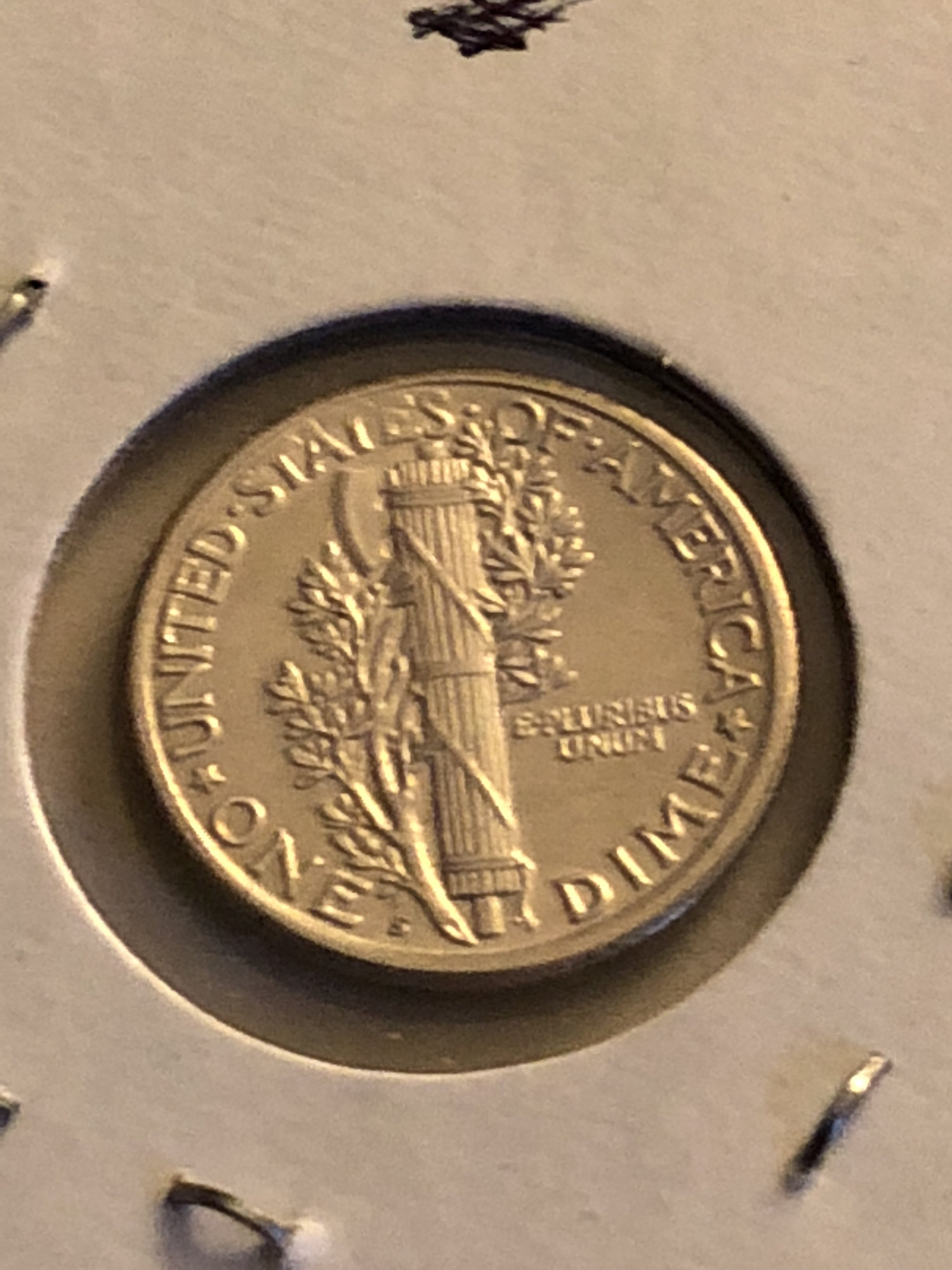
Experimenting with iPhone camera - see pics

KollectorKingKollectorKing Posts: 4,820 ✭✭✭✭✭


Comments

  • Options
    KollectorKingKollectorKing Posts: 4,820 ✭✭✭✭✭


  • Options
    PhilLynottPhilLynott Posts: 900 ✭✭✭✭✭

    Set the camera on a shoe box or something elevated with just the lens hanging over the edge so you can get straight on images and also to keep it still since all you have to do is worry about tapping the button at that point.

  • Options
    KollectorKingKollectorKing Posts: 4,820 ✭✭✭✭✭
    edited June 18, 2018 6:51PM


  • Options
    NGS428NGS428 Posts: 2,369 ✭✭✭✭✭
    edited June 18, 2018 6:53PM
  • Options
    KollectorKingKollectorKing Posts: 4,820 ✭✭✭✭✭
    edited June 18, 2018 7:01PM


  • Options
    clarkbar04clarkbar04 Posts: 5,016 ✭✭✭✭✭

    Take photos under a very well lit area. You can get pretty true to life pics this way.Coins in a slab or cellophane are pretty much never going to come out good.

    MS66 taste on an MS63 budget.
  • Options
    BustyPotatoBustyPotato Posts: 81 ✭✭✭

    I use an iPhone as well. I try to use a dual lamp with one white and one blue bulb because I like the effect it has on silver coins. With gold coins the blue light makes them look kind of weird.


    It could just be me though.

    A government accident left me a former man, a potato. That photo on my profile is a low resolution selfie. I like coins.

  • Options
    rickoricko Posts: 98,724 ✭✭✭✭✭

    Interesting... @BustyPotato ...That blue light makes the gold look like silver....The silver coins do look nice with that light....Cheers, RickO

  • Options
    JimnightJimnight Posts: 10,846 ✭✭✭✭✭

    I've always had a problem with lighting... can never get it just right.

  • Options
    IntueorIntueor Posts: 310 ✭✭✭✭
    edited June 19, 2018 9:01AM

    I use an iPhone 7 and the stock “Camera” app. Here are some things I have learned:

    1. Secure the iPhone to your stage with rubber bands. Blocks of wood (2x4) painted black with little rubber “Shepherd Surface Gard” vinyl bumpers on both the bottom and iPhone side creates a remarkably stable and adjustable stage.)
    2. Use the built-in timer (3sec) option to prevent “wiggle”. It is the little clock on the top toolbar.
    3. Use HDR also on the top toolbar
    4. Tap the three tiny intersecting circles at the top right to toggle between exposure dynamic range and choose your preference.
    5. Once you have auto-focused, lock the exposure and AF by holding your finger on the focus square. Then “spread” the image to 6.0 magnification and check the focus again and manually adjust the focal distance to sharpen the image. I use wooden shims under the block to micro move the iPhone up and down. Then use the on-screen slider to “pinch” the image back down to desired magnification. The iPhone needs to be stable in order for the focus not to change.
    6. Looks like you got the lighting hardware but remove the coin from the 2x2 holder. The auto-focus on the iPhone will tend to focus on the clear plastic, not the surface of the coin.
    7. https://getpaint.net/index.html is a free PC based digital photo-imaging/editing software and very flexible with a “medium” learning curve.
    8. 645 PRO Mk III for iPhone, iPad & iPod touch jag.gr/645pro/ is a comprehensive iPhone image capture software with full SLR capability. The learning curve is likewise “Medium”
      Your images show you have good composition so Good Luck :)

    Here are two examples of what I have been able to capture with the iPhone Camera app:

    unus multorum
  • Options

    Where is a good hosting site to send my pics from my iPhone 7 ? Thanks !

    Instant Karmas Gonna Get Ya , John Lennon
  • Options

    Sorry , I didn’t completely read Imtueors’ post above .

    Instant Karmas Gonna Get Ya , John Lennon
  • Options
    KollectorKingKollectorKing Posts: 4,820 ✭✭✭✭✭
    edited June 19, 2018 10:35AM


  • Options
    1630Boston1630Boston Posts: 14,156 ✭✭✭✭✭

    Successful transactions with : MICHAELDIXON, Manorcourtman, Bochiman, bolivarshagnasty, AUandAG, onlyroosies, chumley, Weiss, jdimmick, BAJJERFAN, gene1978, TJM965, Smittys, GRANDAM, JTHawaii, mainejoe, softparade, derryb, Ricko

    Bad transactions with : nobody to date

  • Options
    blitzdudeblitzdude Posts: 7,651 ✭✭✭✭✭
    edited June 19, 2018 5:32PM

    Probably want to stick with android if your going to use camera phone for pics. iphone camera is absolutely horrible.

    The whole worlds off its rocker, buy Gold™.
    BOOMIN!™
    Wooooha! Did someone just say it's officially "TACO™" Tuesday????
    Retiring at 55, what day is today? :sunglasses:

  • Options
    AotearoaAotearoa Posts: 1,623 ✭✭✭✭✭

    @blitzdude said:
    Probably want to stick with android if your going to use camera phone for pics. iphone camera is absolutely horrible.

    Shh... Don't tell @Intueor.

    Smitten with DBLCs.

  • Options
    LanceNewmanOCCLanceNewmanOCC Posts: 19,999 ✭✭✭✭✭

    .
    big improvement from the first pics to the 3rd set @KollectorKing.

    good progress.

    .

    <--- look what's behind the mask! - cool link 1/NO ~ 2/NNP ~ 3/NNC ~ 4/CF ~ 5/PG ~ 6/Cert ~ 7/NGC 7a/NGC pop~ 8/NGCF ~ 9/HA archives ~ 10/PM ~ 11/NM ~ 12/ANACS cert ~ 13/ANACS pop - report fakes 1/ACEF ~ report fakes/thefts 1/NCIS - Numi-Classes SS ~ Bass ~ Transcribed Docs NNP - clashed coins - error training - V V mm styles -

  • Options
    coinsarefuncoinsarefun Posts: 21,781 ✭✭✭✭✭

    @Intueor said:
    I use an iPhone 7 and the stock “Camera” app. Here are some things I have learned:

    Holy carp batman!!!!! That's amazing :oB)

Leave a Comment

BoldItalicStrikethroughOrdered listUnordered list
Emoji
Image
Align leftAlign centerAlign rightToggle HTML viewToggle full pageToggle lights
Drop image/file