Show off your scanner!
Options

bsidegrve
Posts: 687
I'll be in the market for a new scanner in about a month or so and I always see some great clear scans on this site.
Please post a scan to this thread to give me and anyone else in the market for a new scanner a preview.
When posting a scan just add this information near the scan
1) What kind of scanner your using (make,model#)
2) What setting you are using for the scan ( dpi, etc)
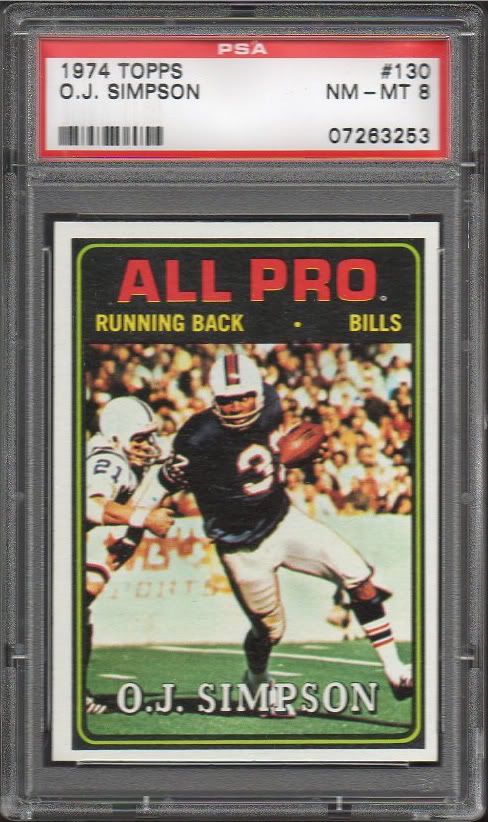
Here is the scanner I currently use now
Epson Stylus CX7400 (all in one)
DPI setting - 300
Please post a scan to this thread to give me and anyone else in the market for a new scanner a preview.
When posting a scan just add this information near the scan
1) What kind of scanner your using (make,model#)
2) What setting you are using for the scan ( dpi, etc)
Here is the scanner I currently use now
Epson Stylus CX7400 (all in one)
DPI setting - 300

0
Comments
-
Epson Perfection V30
default dpi 300 0
0 -
Canon 4400f.
Under $90, best scanner I've ever had.
Always looking for N690 Kalamazoo Bats and Newsboy Cabinets
0 -
Winner Winner!!0 -
Great scanners can also have a downside which is that every tiny flaw is blown up to unreal proportions so a real nice EXNM Maris (like this one) suddenly looks like crapola when the card in person looks pretty crispy.
But still better to give TMI than too little and I would rather go that route than sellers like Great Lakes Auction House which make big bucks on their smaller scans which nicely conceal small flaws...JMO0 -
The Maris scan is awesome but I like Griffins scan better.
0 -
-
HP Scanjet G3010....default setting of 300 DPI
Cheap piece of garbage, but it does the job
Whatever you decide to buy make sure it is a CCD scanner, so it will focus on the card, not the holder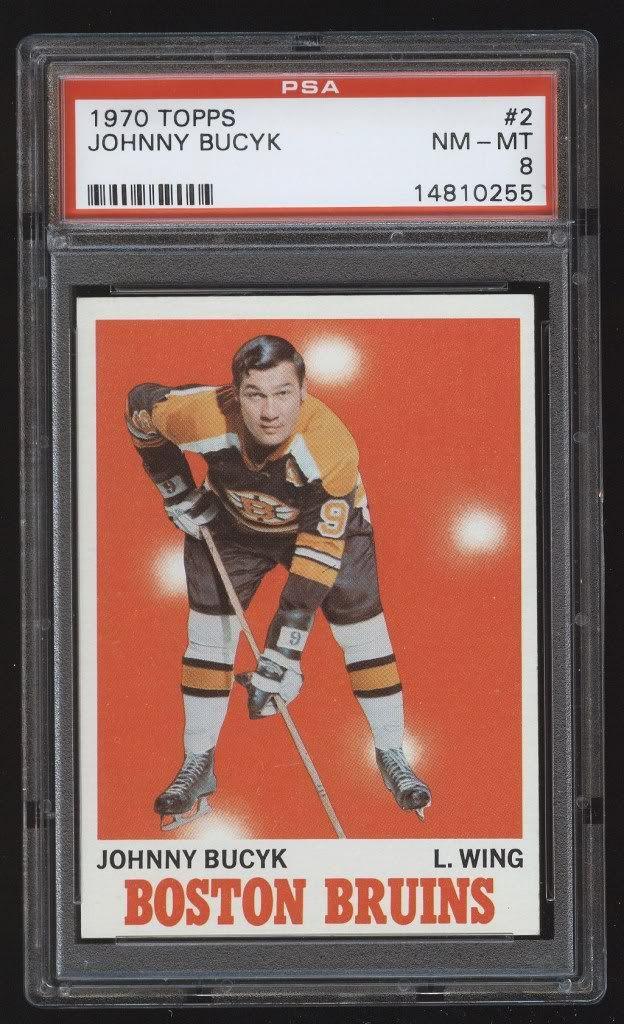 0
0 -
I also endorse the Canon 4400f. Takes great scans and cheap to boot. I sized this one a little bigger than I normally do to show the details.
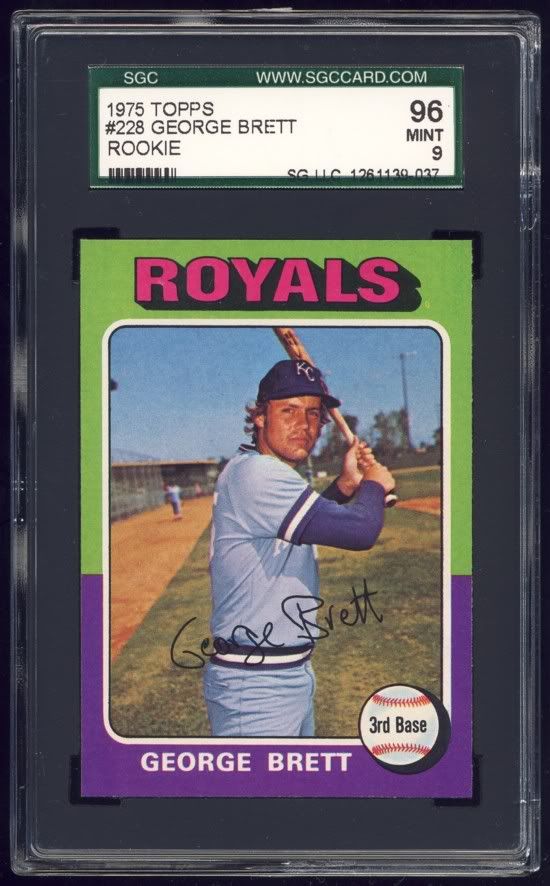 Keith0
 -
-
Well that's disappointing. I came on here looking for some hawt ass scanner pics, and all I see are cards. Where's the Canon Cano Scan LidE 200 or the Fujikawa XRT3000? Blah.Kiss me once, shame on you.
Kiss me twice.....let's party.0 -
Thanks for the scans, that Cannon 4400 does a great job for the price!0
-
it really is a great scanner. Prior to that I had a $1800 linotype scanner that wasn't as good, and in between shot copy shots with a 39 megapixel digital back. The Canon yields quality equal to the 39 megapixel back, but is much more convenient.
I scanned 176 cards last nite in just over 90 minutes, each one flawless.
Always looking for N690 Kalamazoo Bats and Newsboy Cabinets
0 -
 0
0 -
Refractors are shiny, but I wish scanners would show that more clearly. Having said that, I echo the nice things said about the 4400F. Cheap, easy to use, and produces very nice scans.

edit: Here's one of my two slabbed vintage. Behold the breathtaking beauty of this sweet Yaz!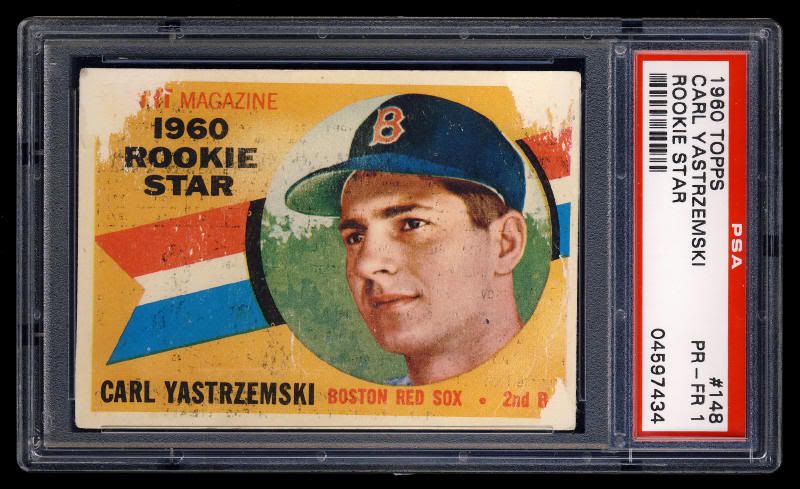
0 -
I use a canon too, not sure what model though.
SteveGood for you.0 -
Here are a few from my Epson Perfection V300 Photo Scanner. Picked it up for less than $100 delivered. Very happy with it.
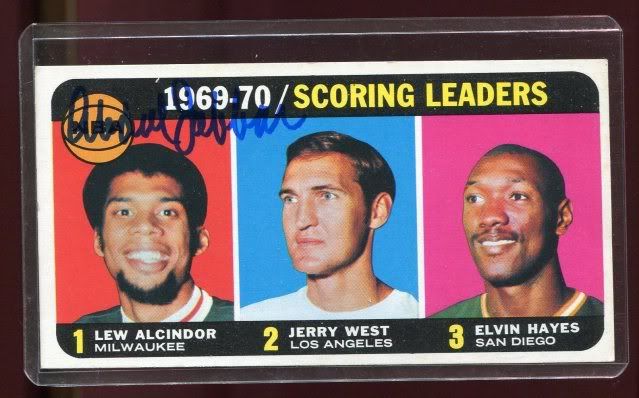
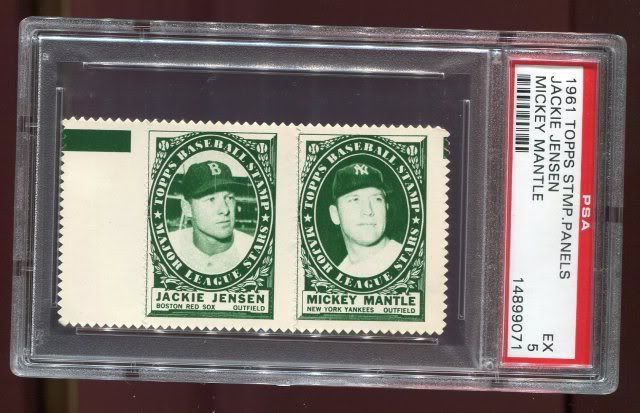
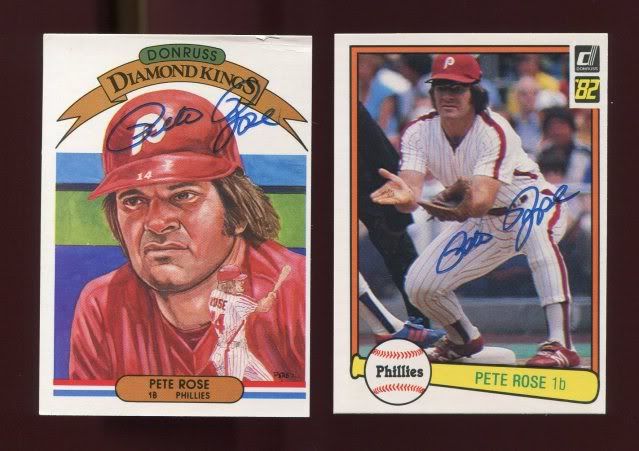

All at 300 DPI.STAY HEALTHY!
Doug
Liquidating my collection for the 3rd and final time. Time for others to enjoy what I have enjoyed over the last several decades. Money could be put to better use.0 -
computer screen resolution isn't more than 72 dpi, so 300dpi is lost bandwidth.
If you're printing on an inkjet optimal resolution is a factor of the printer- so you'd want to be at 120dpi, 240dpi, or 360dpi.
In my experience 240dpi is optimal for printer output, 72 for web.Always looking for N690 Kalamazoo Bats and Newsboy Cabinets
0 -
<< <i>I'll be in the market for a new scanner in about a month or so and I always see some great clear scans on this site.
Please post a scan to this thread to give me and anyone else in the market for a new scanner a preview.
When posting a scan just add this information near the scan
1) What kind of scanner your using (make,model#)
2) What setting you are using for the scan ( dpi, etc)
Here is the scanner I currently use now
Epson Stylus CX7400 (all in one)
DPI setting - 300 >>
I have the same exact scanner. It's been driving me nuts for the past few years. For some reason, every slabbed card comes out hazy and/or dull. Been looking for a new scanner myself. Thanks for starting this thread.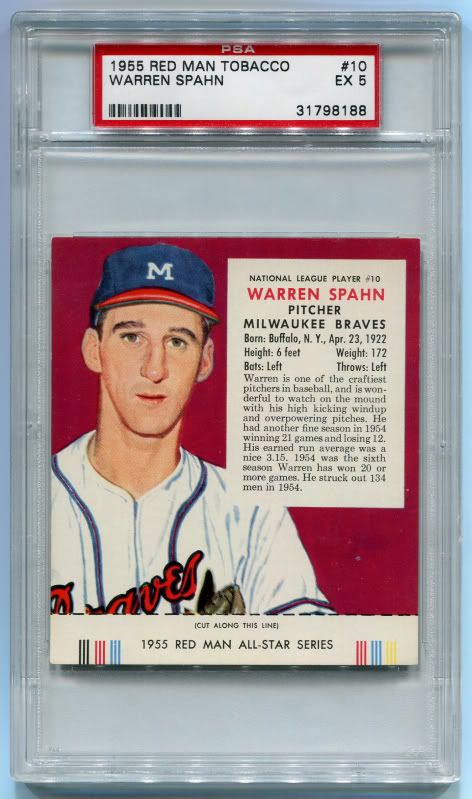
 0
0 -
 0
0 -
Microtek Scanmaker 4800 - About 6 or 7 years old.
Here is a picture as scanned (300dpi)...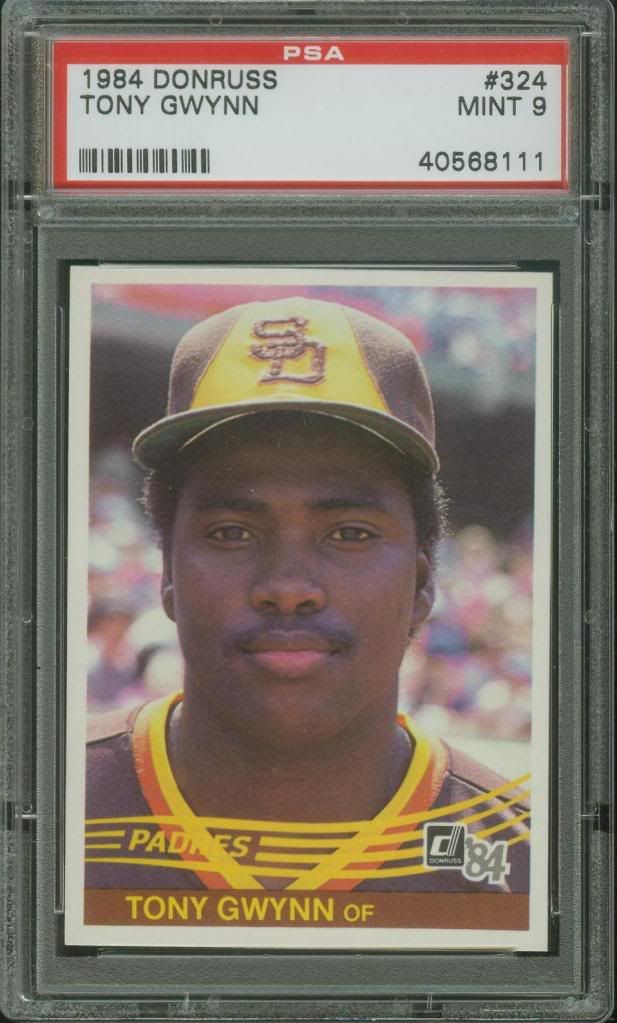
Here is the same picture using the "autocorrect" feature...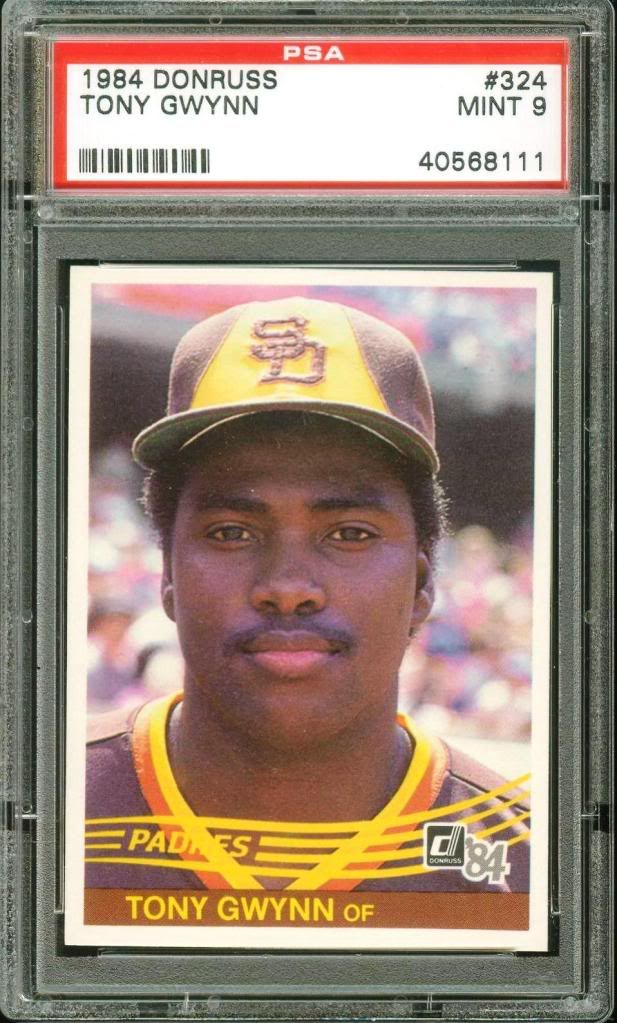
I will let you guys decide.0 -
Whoa, for a minute there I thought Mintacular was back0
-
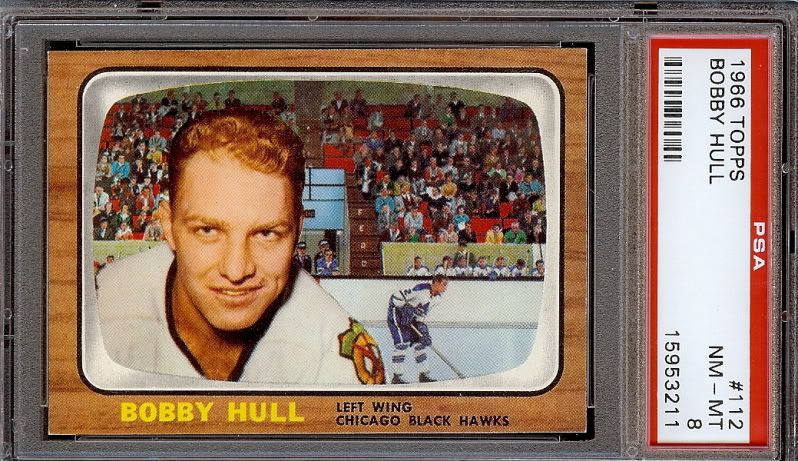
Hp Photosmart 3300
 Positive transactions with: Bkritz,Bosox1976,Brick,captainthreeputt,cpettimd,craigger,cwazzy,DES1984,Dboneesq,daddymc,Downtown1974,EAsports,EagleEyeKid,fattymacs,gameusedhoop,godblessUSA,goose3,KatsCards,mike22y2k,
MULLINS5,1966CUDA,nam812,nightcrawler,OAKESY25,PowderedH2O,relaxed,RonBurgundy,samsgirl214,shagrotn77,swartz1,slantycouch,Statman,Wabittwax0 -
great thread, from my experience hp's do not last very long, Kodak (yeah, they got me with the cheap ink) has mega windows issues and also poorly build mechanically... so far I've been sent 4 replacements under a one year warranty, and that was replacing one that was out of warranty! That Maris is sweet, I think I might be looking into Epson and Canon (been very happy with my camera).0
-
<< <i>great thread, from my experience hp's do not last very long, Kodak (yeah, they got me with the cheap ink) has mega windows issues and also poorly build mechanically... so far I've been sent 4 replacements under a one year warranty, and that was replacing one that was out of warranty! That Maris is sweet, I think I might be looking into Epson and Canon (been very happy with my camera). >>
I've had my Hp for years and wouldn't get anything else - simple to use and no trouble. I also had one with my business that never had any problems.Positive transactions with: Bkritz,Bosox1976,Brick,captainthreeputt,cpettimd,craigger,cwazzy,DES1984,Dboneesq,daddymc,Downtown1974,EAsports,EagleEyeKid,fattymacs,gameusedhoop,godblessUSA,goose3,KatsCards,mike22y2k,
MULLINS5,1966CUDA,nam812,nightcrawler,OAKESY25,PowderedH2O,relaxed,RonBurgundy,samsgirl214,shagrotn77,swartz1,slantycouch,Statman,Wabittwax0 -
Hey gang,
I see a lot of people making a notation that they scan in 300 dpi. It might help to know that DPI is not applicable for computer displays. The short of the long is that dots/inch is relative only for printing.
If you would like to read more on this, visit http://scantips.com/no72dpi.html. It's a site with great information for both experts and novices.
Take care,
TedWebsite: http://www.cardpricer.com
Blog: http://www.cardpricer.com/blog
Twitter: http://twitter.com/CardPricer
Email: info@cardpricer.com0 -
<< <i>
<< <i>great thread, from my experience hp's do not last very long, Kodak (yeah, they got me with the cheap ink) has mega windows issues and also poorly build mechanically... so far I've been sent 4 replacements under a one year warranty, and that was replacing one that was out of warranty! That Maris is sweet, I think I might be looking into Epson and Canon (been very happy with my camera). >>
I've had my Hp for years and wouldn't get anything else - simple to use and no trouble. I also had one with my business that never had any problems. >>
That's good, unfortunately mine lasted 3 weeks and a week over the year warranty on the other, both times it was the same thing, the scanner eye wouldn't engage anymore... at least both came free with computers.
EDIT: also it was fine for documents but fuzzy for cards.0 -
<< <i>Whoa, for a minute there I thought Mintacular was back >>
Me too.
I forgot which thread I read, but same thing - I thought Rube was back.Matt0 -
HP PSC 1610 All in One. Had it 6 years. Never scanned once because of some error. My wife fixed it today and soon I'll move from bad pics to scans. Pnce I learn the ins and outs.
I'm seriously excited.

 0
0 -
HP 4890, not sure of the resolution (whatever the highest one is):
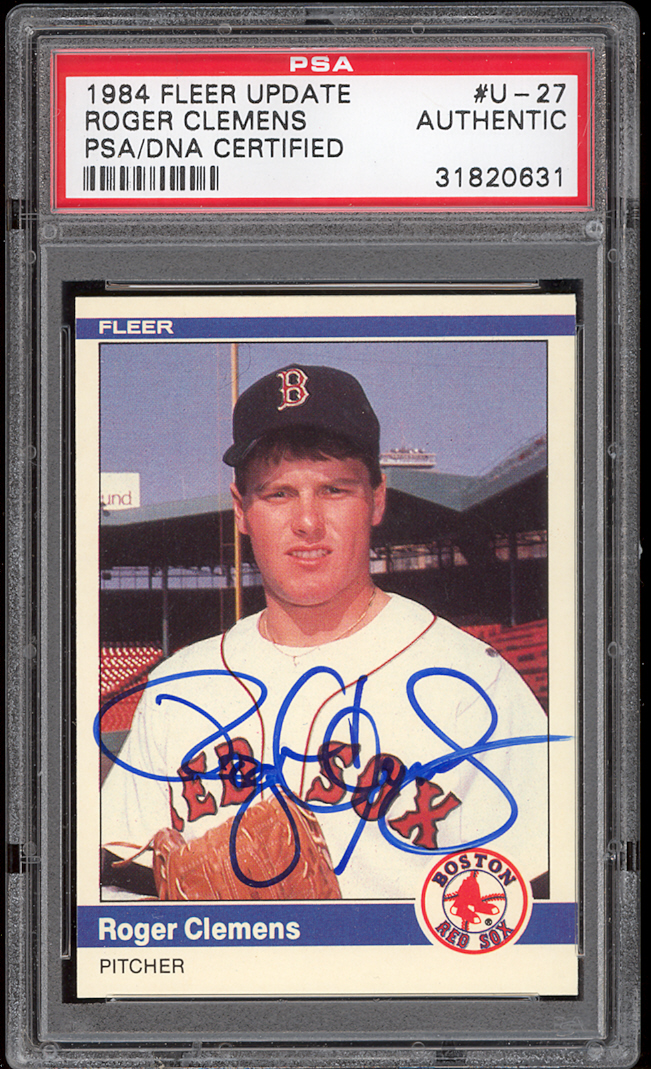
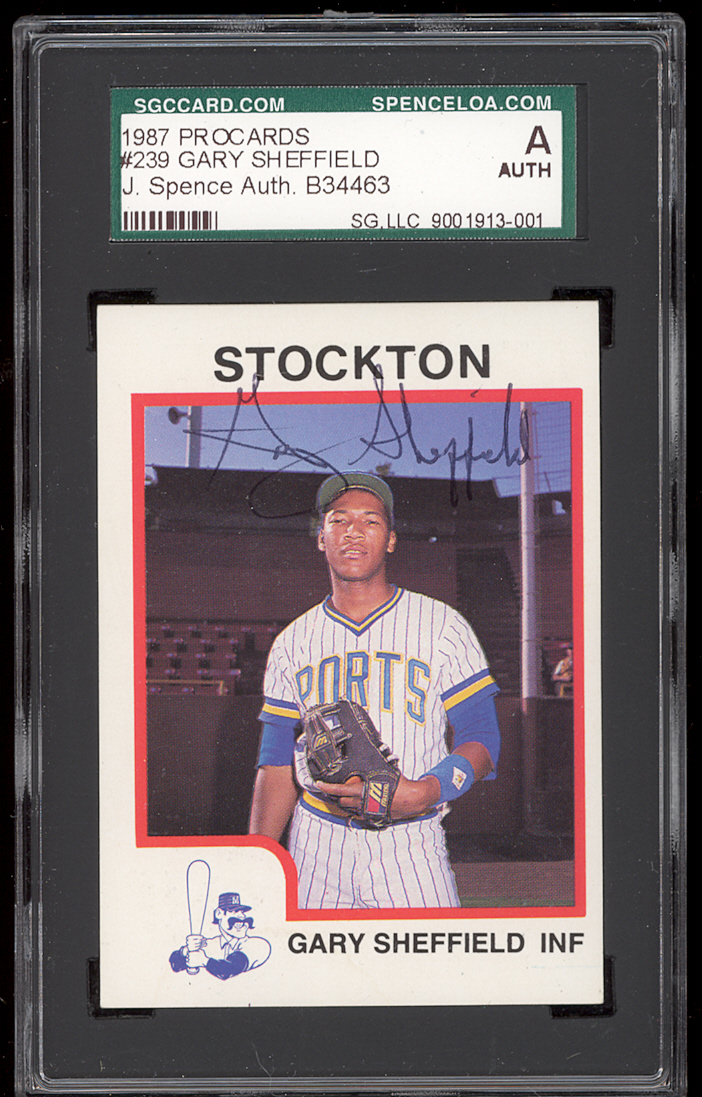
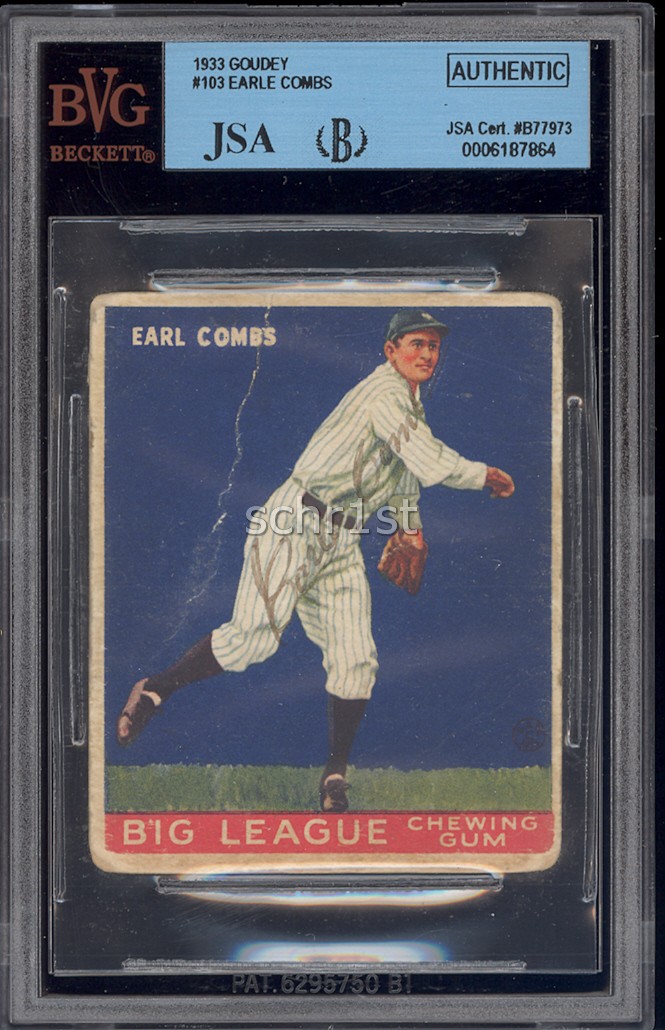
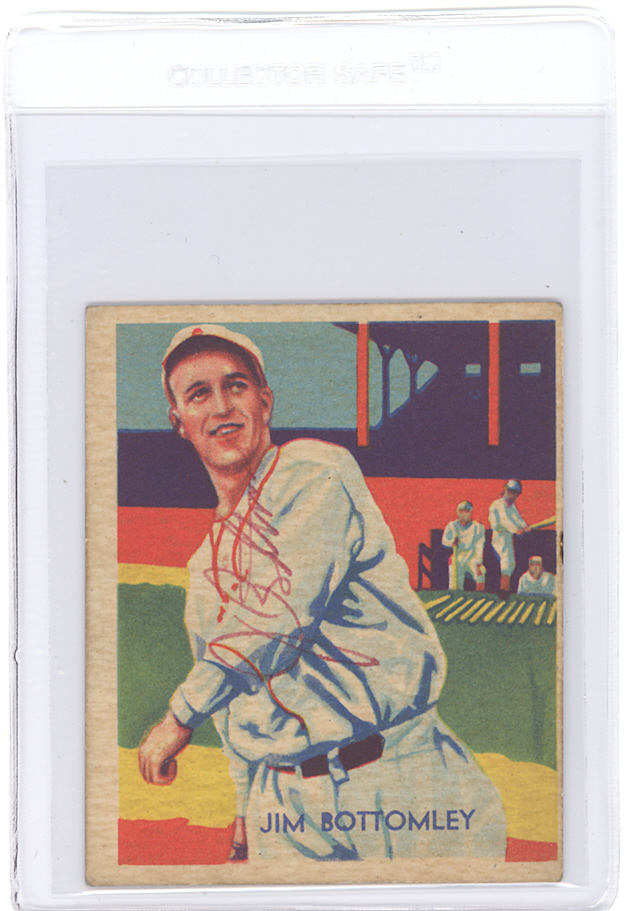 Who is Rober Maris?0
 -
I've only had luck with my Canon 4400. But I need new software because my PC won't install it.
I tried a bunch of other scanners.
This scan of Ironman is from the same small pocket camera as this vid from Green Day. I don't need anything better.

Til I get my 4400 up and running again, ha ha.0 -
I have the Epson V500 Scanner.
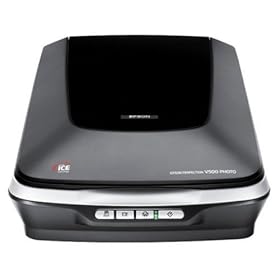
Here are the stats on this model.
* Amazing 6400 x 9600 dpi resolution
* Extraordinary 17" x 22" enlargements from film
* Dust and scratch removal with Digital ICE®
* Easy Photo Fix® restores faded color photos
* New ReadyScan LED technology for fast scan speeds
* Built-in TPU � scans slides, negatives and medium format film
* Adobe® Photoshop® Elements included
* True-to-life reproductions with 48-bit color
* Optional ADF to scan multiple documents fast
* Hi-Speed USB 2.00 -
My is 6 years old, don't remember the number, but its an Epson Perfection (possible the same one pictured above).
I scan at 150 DPI, then resize to 600 pixels tall for slabs or 500 pixels tall for raw cards, so they are easily viewable on most peoples monitors. Looking to have some custom cuts or plain custom cards built? PM me.
Commissions
Check out my Facebook page0 -
<< <i>I've only had luck with my Canon 4400. But I need new software because my PC won't install it.
I tried a bunch of other scanners.
This scan of Ironman is from the same small pocket camera as this vid from Green Day. I don't need anything better.
Til I get my 4400 up and running again, ha ha. >>
I like the Iron-Man 1966 scanner !
MARVEL-ous0 -
after you scan the card how do you get it to getter larger0
-
<< <i>after you scan the card how do you get it to getter larger >>
huh?
You scan it with a larger DPI. Getting it larger after you scan doesn't add detail or clarity.Looking to have some custom cuts or plain custom cards built? PM me.
Commissions
Check out my Facebook page0 -
Epson 3490
Usually I will scan in the default DPI 300. Then I crop the photo around the card and size it to 600 px top to bottom and about 100 kb...at least with graded cards.
A few scans of cards (and a coin) with different surfaces.


 Collecting PSA graded Steve Young, Marcus Allen, Bret Saberhagen and 1980s Topps Cards.
Raw: Tony Gonzalez (low #'d cards, and especially 1/1's) and Steve Young.0 -
Epson 3590, about three years old. Only problem is I can't get the original Epson software to work right, So I have to use the generic windows scanner software. Other than that does great !
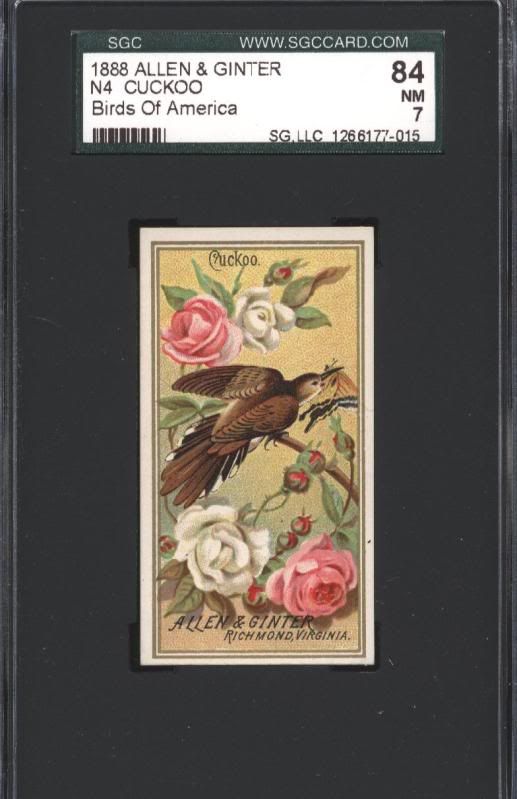
 0
0 -
<< <i> >>
ooooooh yeah baby!! Daddy needs his medicine....Kiss me once, shame on you.
Kiss me twice.....let's party.0 -
As mentioned before, you MUST get a scanner that uses a Charge-Coupled Device (CCD) as it's scan element. Anything else will = blurry slabs.0
-
0





384292611.jpg)





Categories
- All Categories
- 520K Coins and Currency - PCGS
- 328.5K U.S. Coin Forum
- 14.8K PCGS Set Registry Forum
- 5.2K Q & A Forum
- 41.4K World & Ancient Coins Forum
- 3K U.S. & World Currency Forum
- 96.4K Buy, Sell, & Trade - U.S. Coins
- 7.3K Buy, Sell & Trade - World & Ancient Coins
- 1.5K Buy, Sell & Trade - Currency
- 60 Random
- 246.2K Trading Cards, Autographs and Memorabilia - PSA
- 90.3K Trading Cards & Memorabilia Forum
- 1.7K Autographs Forum
- 16.4K PSA Set Registry Forum
- 22K Sports Talk
- 115K Buy, Sell & Trade - Cards & Memorabilia
- 663 Buy, Sell & Trade - Autographs
- 2.2K Stamps
- 1.5K Stamps Forum
- 670 Buy, Sell & Trade - Stamps
- 83 Coin Shows
- 83 General Coin Show Information and Discussion
- 11.9K Misc
- 11.9K Testing Forum