Photography tips?
 DesertCoin
Posts: 121 ✭✭✭
DesertCoin
Posts: 121 ✭✭✭
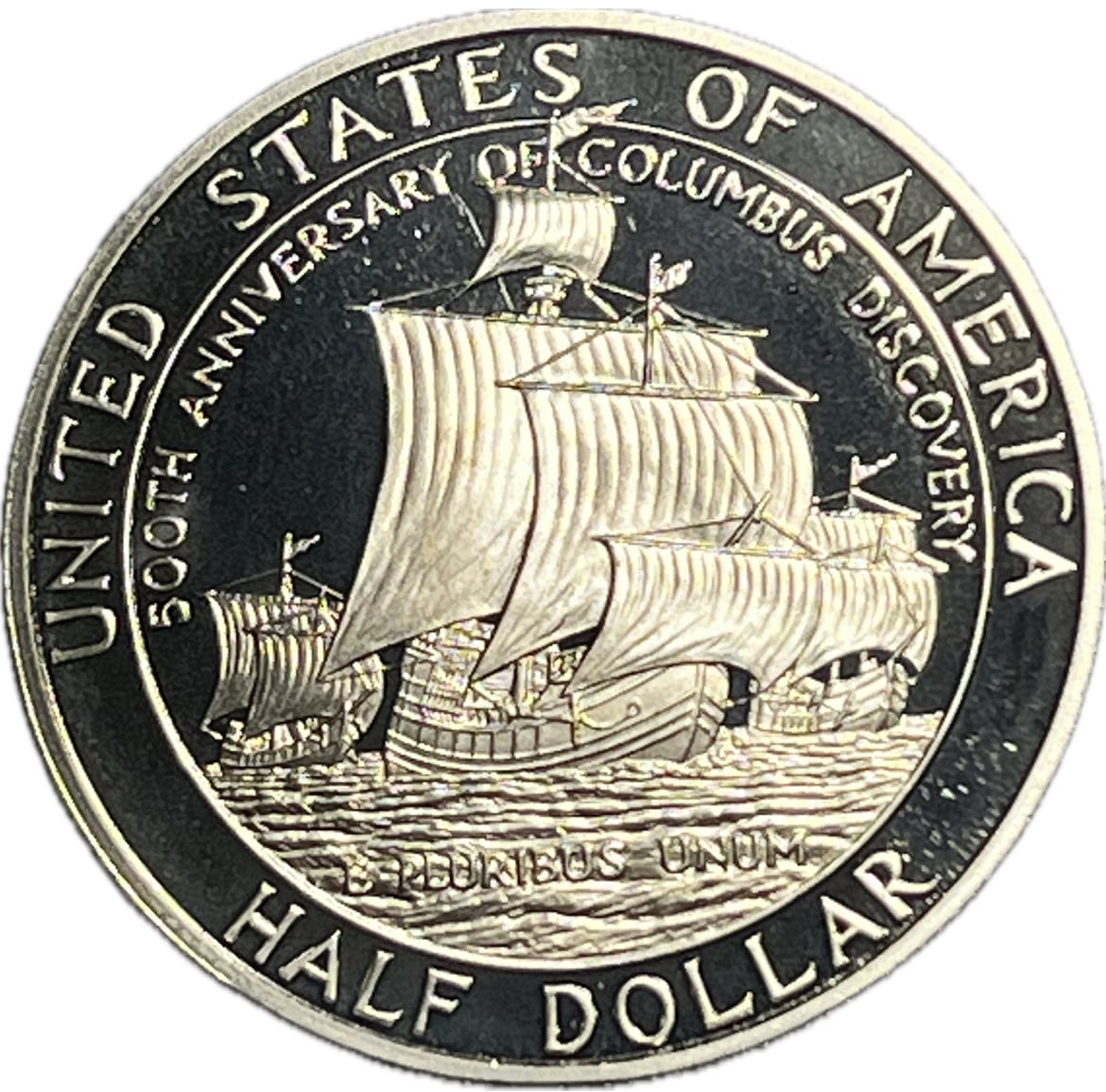
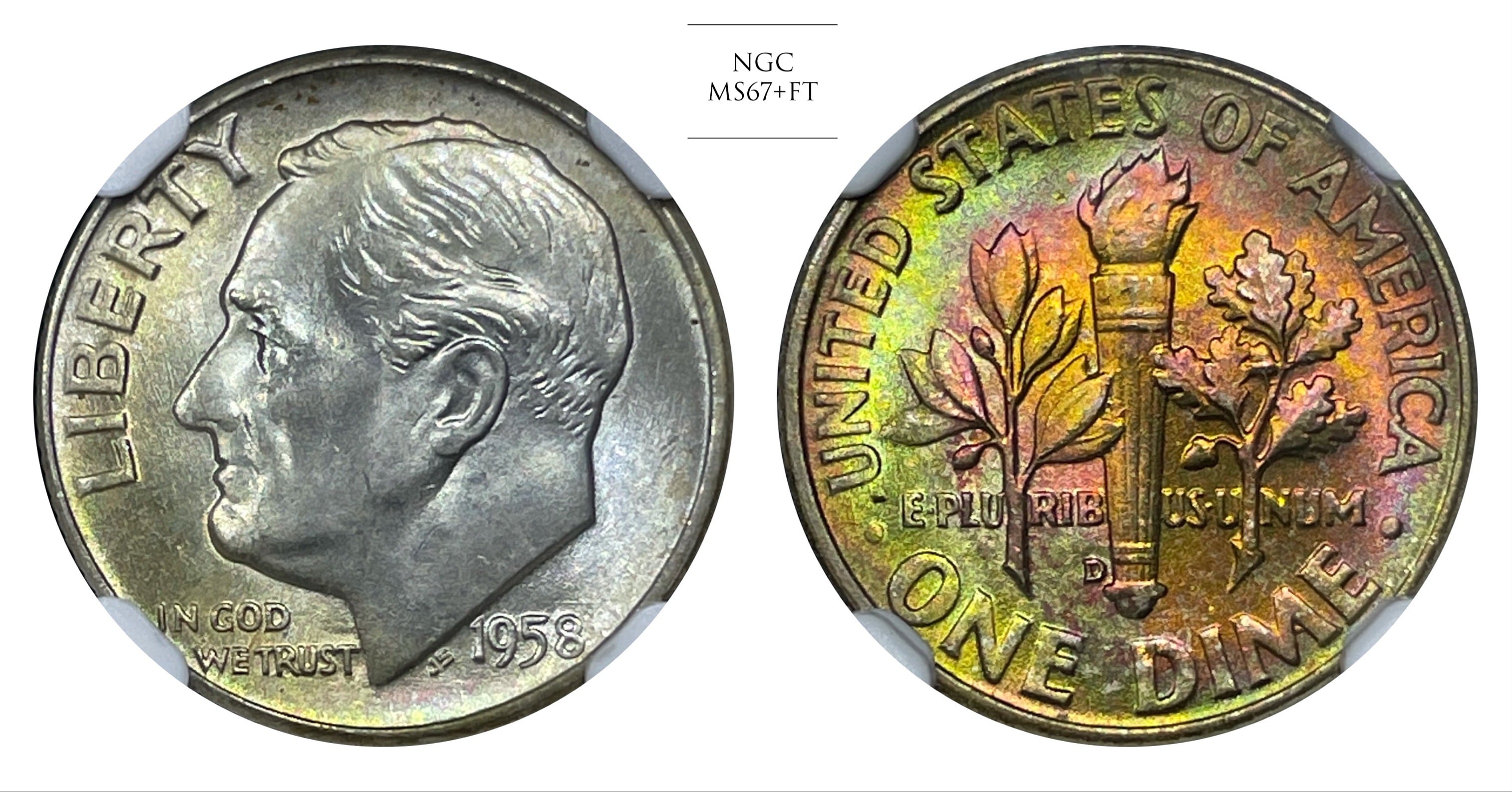
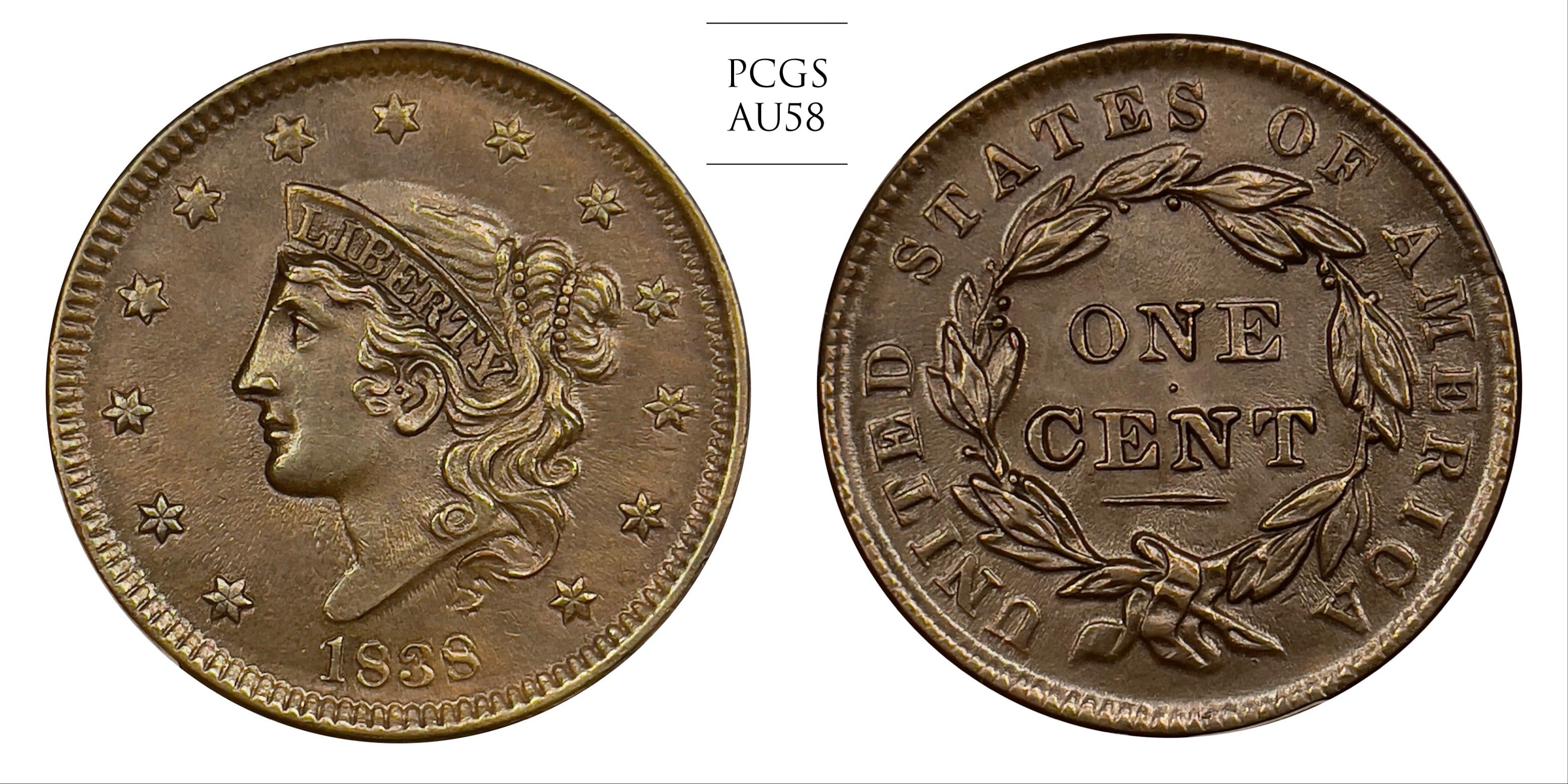
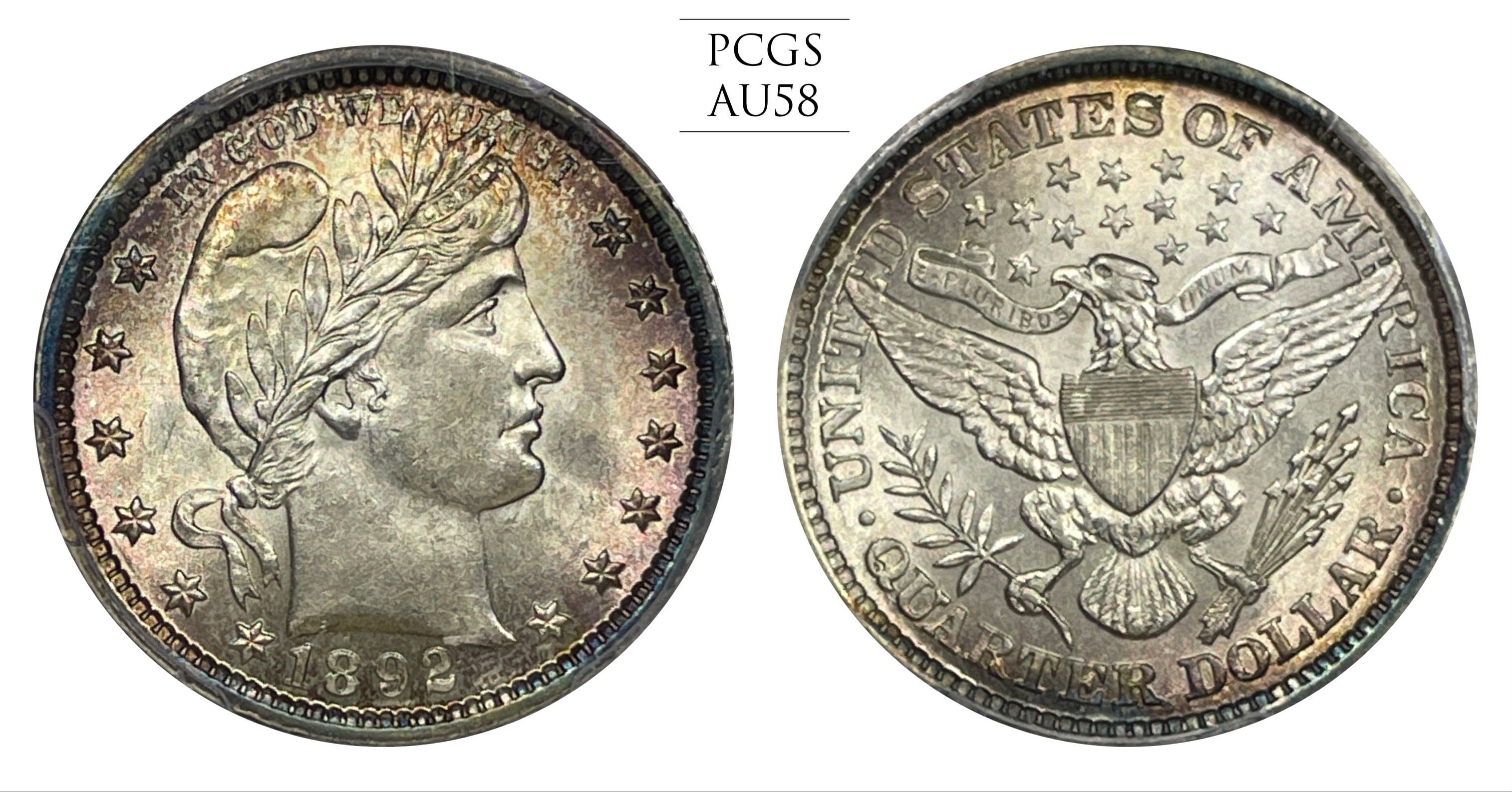
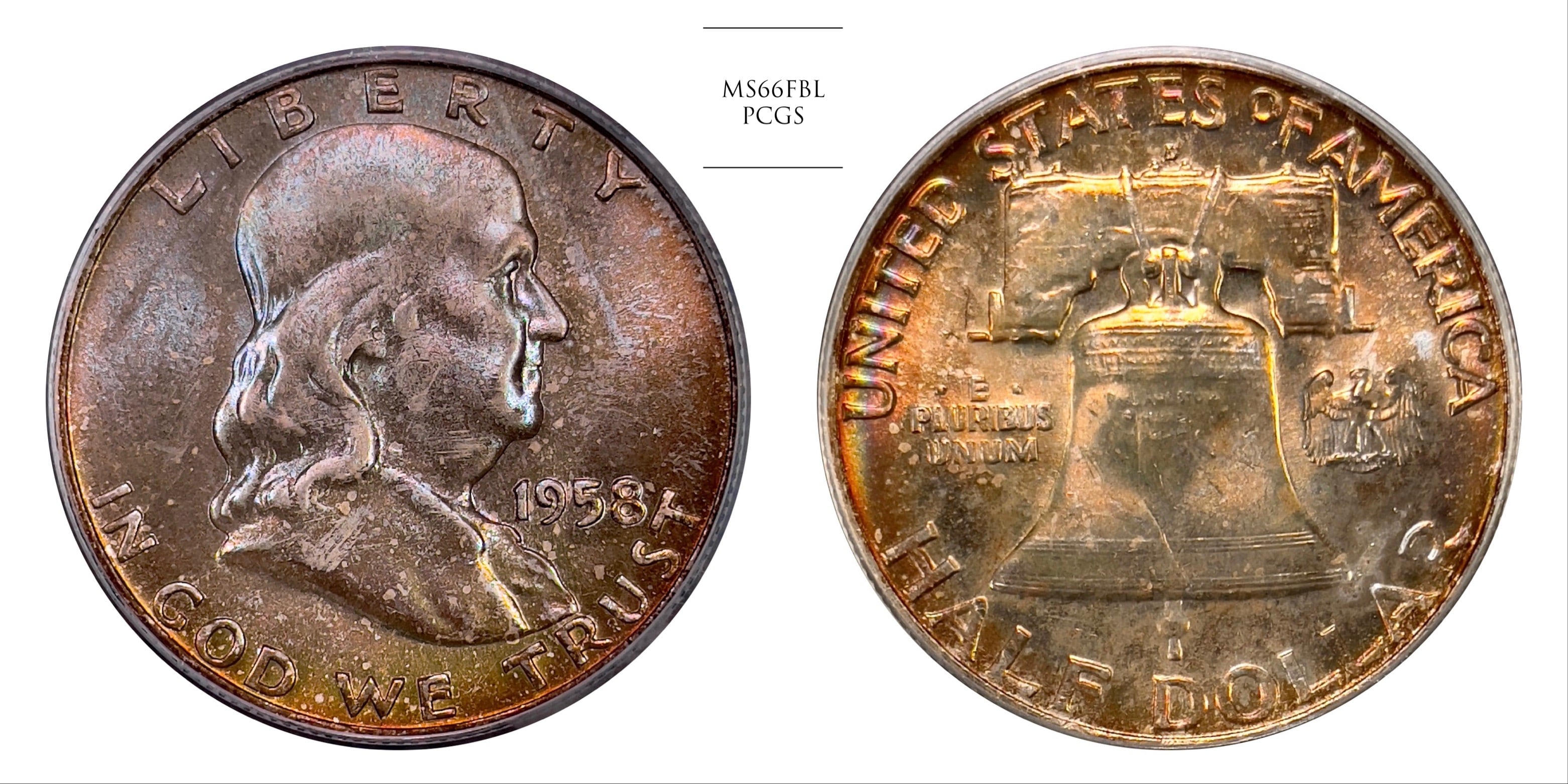
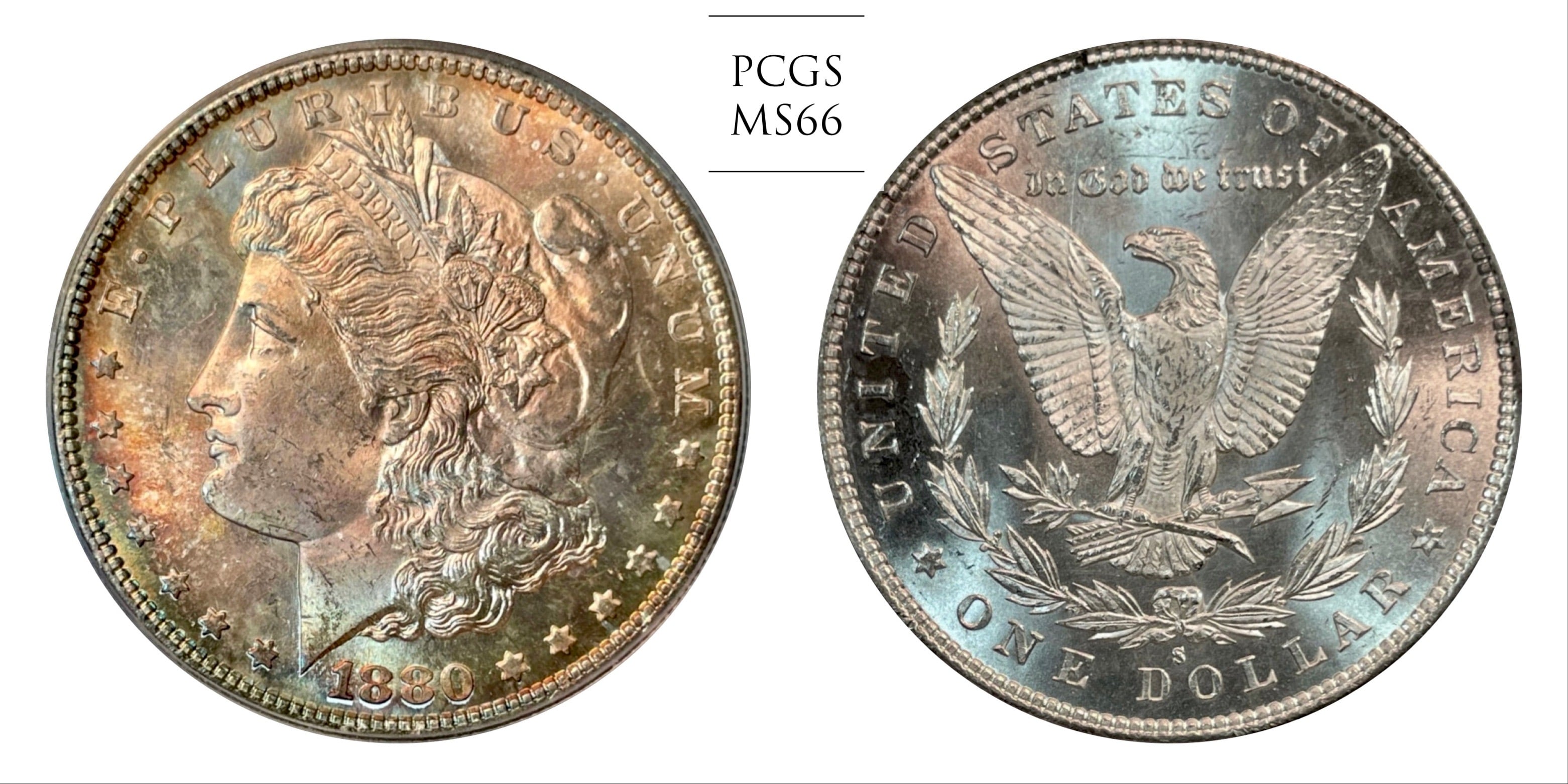
Here’s some stock images I’ve taken. Any advice on how to make this kind of photo better? Could be applied to anything, these were just handy.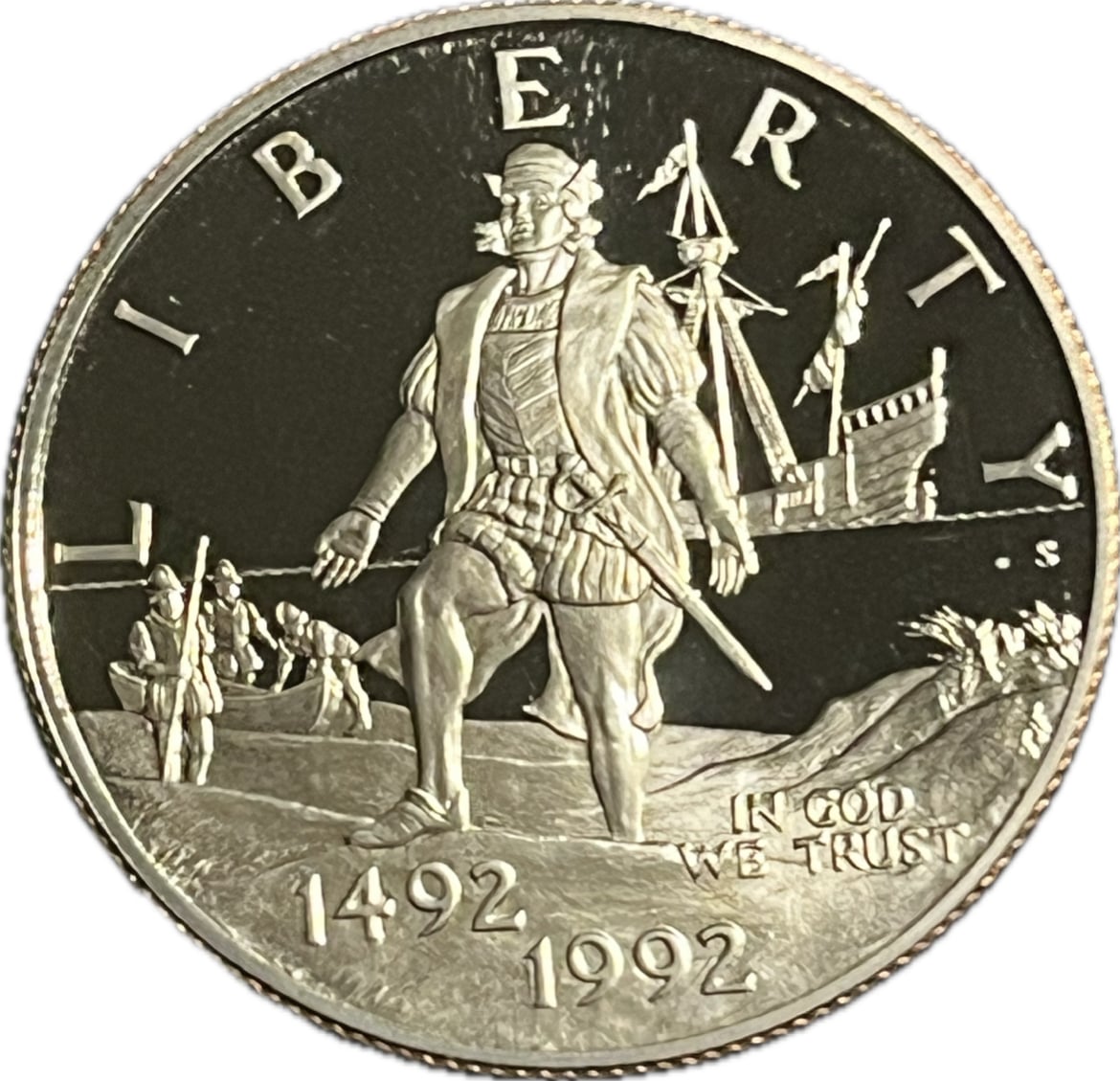
0
Comments
Can we see more examples, that way you will get broader tips
There's a couple of really good threads on this topic that you could find on this forum.
All comments reflect the opinion of the author, even when irrefutably accurate.
White balance and lighting position are the key points.
Were those taken with a cell phone?
Coin Photography
Describe your current setup. Lighting looks uneven, with half of the coin lighter than the other half. Focus is OK, but sharpness is not. Makes me think your gear isn't capable of rendering high contrast edges well. White balance is also off. Make sure you only have one type of light and calibrate your camera to it if possible.
Keeper of the VAM Catalog • Professional Coin Imaging • Prime Number Set • World Coins in Early America • British Trade Dollars • Variety Attribution
Give the models some drinks prior to loosen them up
11.5$ Southern Dollars, The little “Big Easy” set
Yes they were. Not a great deal of care taken on those, here’s a couple better examples: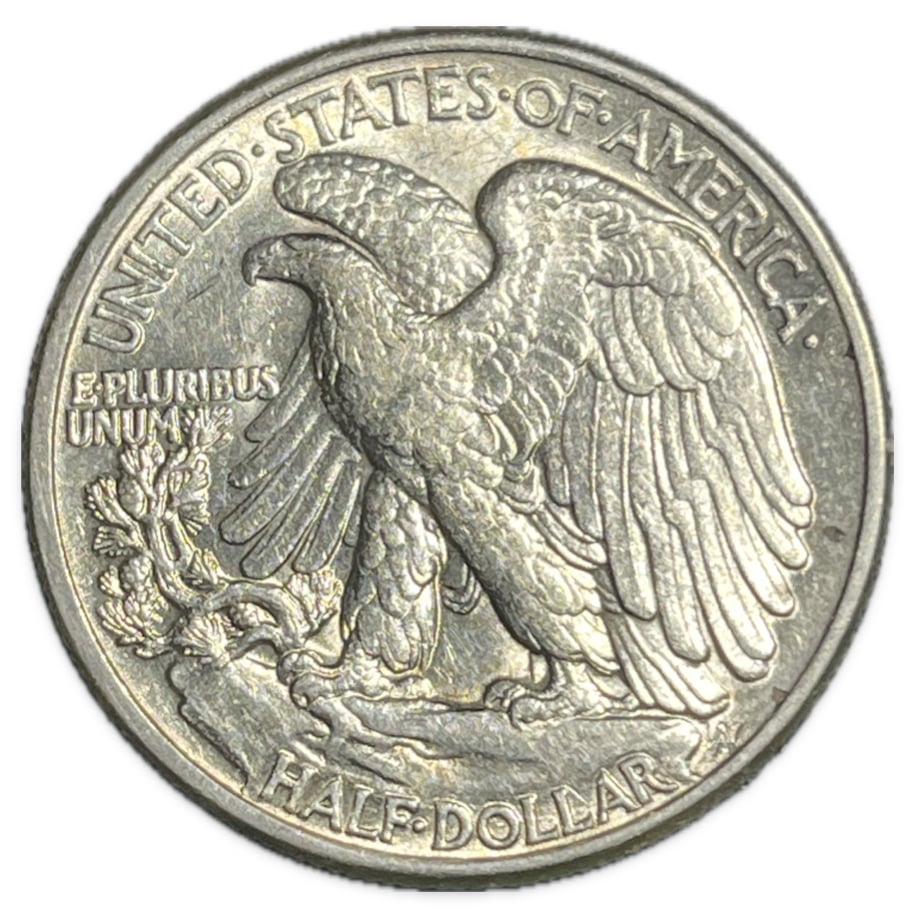
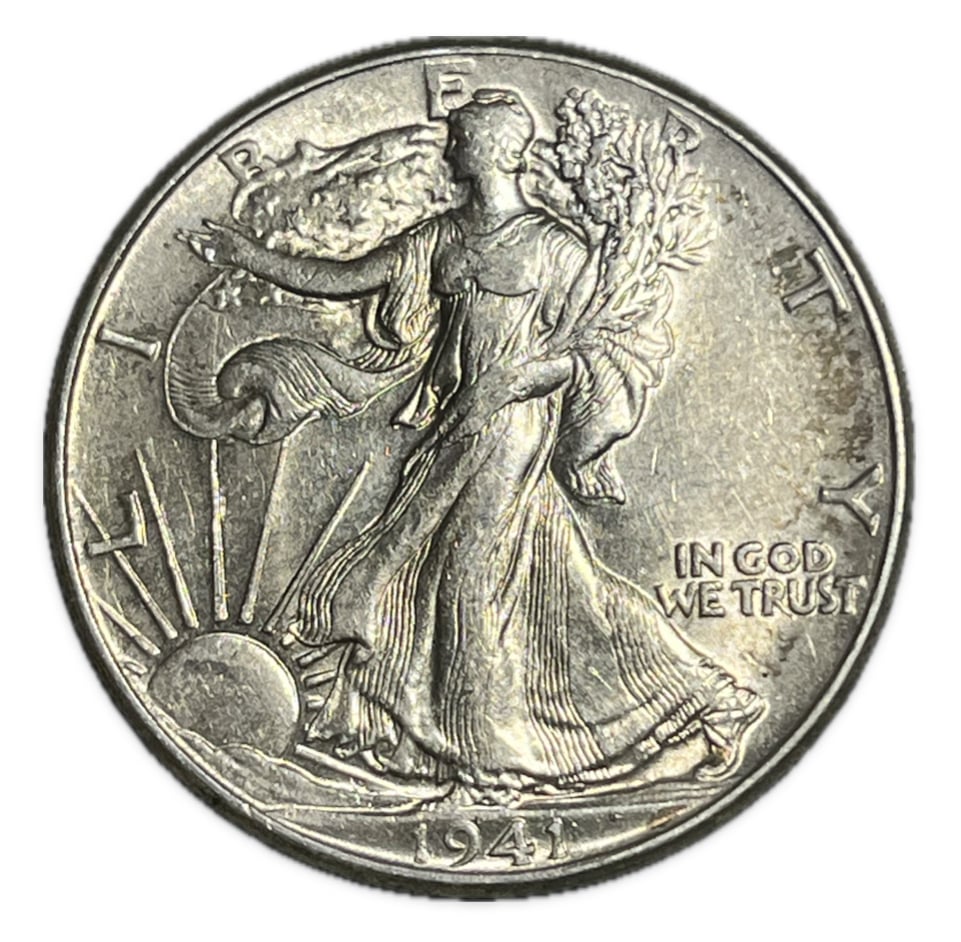
I was hoping you would chime in, thank you! Current setup is a white LED light with a foggy cover to disperse the light (dark room aside from that), a cell phone camera, and my own method of removing the background without shadows to achieve a perfectly white background.
What you have is about as good as you can get with a phone camera. You could move the lights around, but beyond that you will be limited by the limitations of your setup.
Coin Photography
So would this be considered the pinnacle of cell phone coin photography? lol
It very well could be.
Coin Photography
Add a light if you can to even it out. Proofs are going to be difficult with a cell phone camera because it doesn't handle the quick changes in dynamic range all that well. If you have a multi-lens phone, try the "telephoto" lens (which isn't really telephoto) and back up a little.
Keeper of the VAM Catalog • Professional Coin Imaging • Prime Number Set • World Coins in Early America • British Trade Dollars • Variety Attribution
Honest question; What is the difference between focus and sharpness?
Ok, so a secondary opposing light source, and back out. I have a multi-lens phone; one lens for most uses and one wide view lens. I have found that the normal use lens works best on coins when zoomed to about 3.5X and cropping the photo down, as opposed to maxing it out at 5X. Is this what you're referring to? Thank you!
Yes, you definitely need a opposing light source
Also your photos look kinda fuzzy, needs too be sharper and better focused
I ended up going with 2 gooseneck led lights to even out the lighting for my cellphone pictures. I remove the diffusion cover and have the lights close to the camera lens on the phone and adjust the angle on the lights until the coin gets lit up evenly
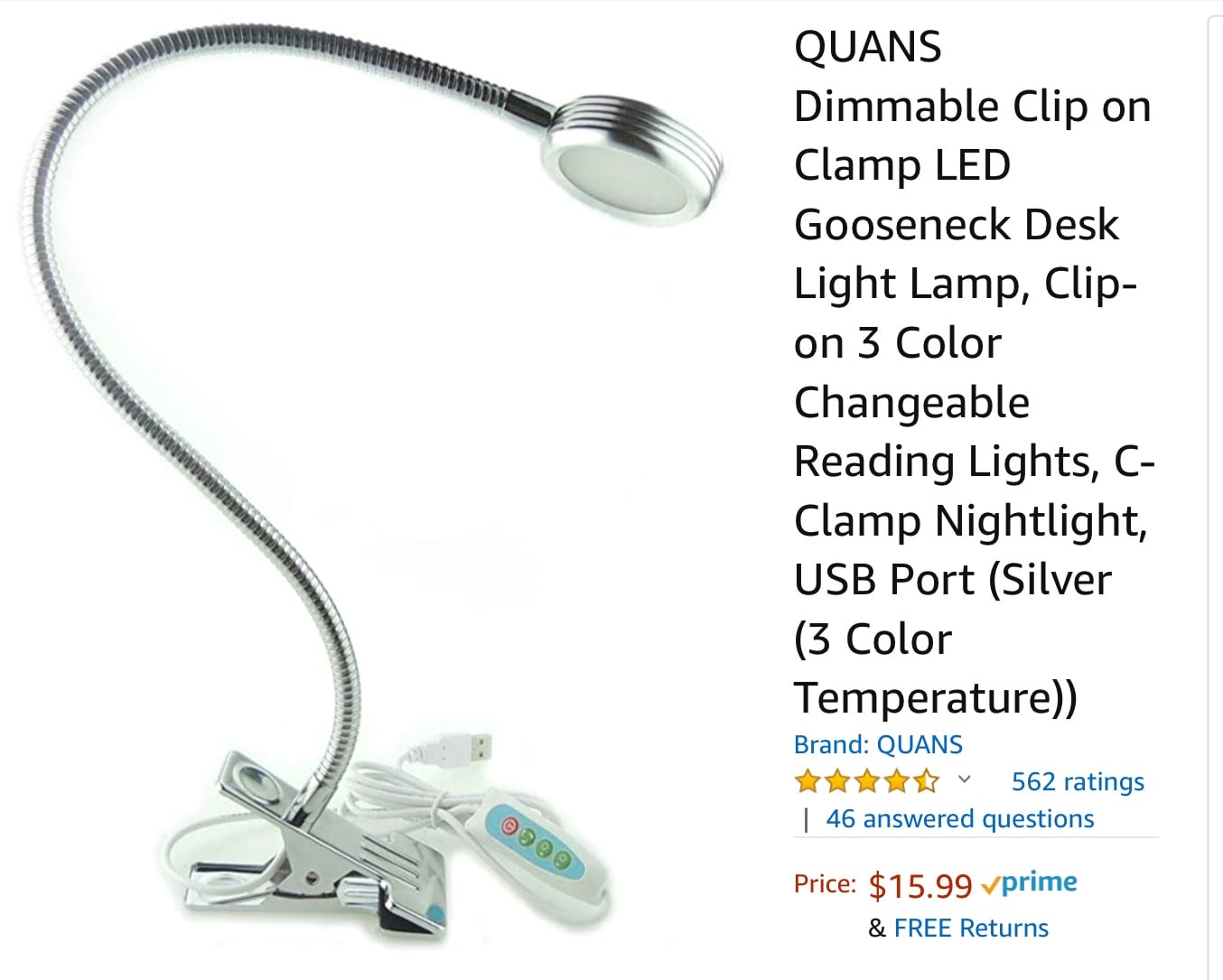
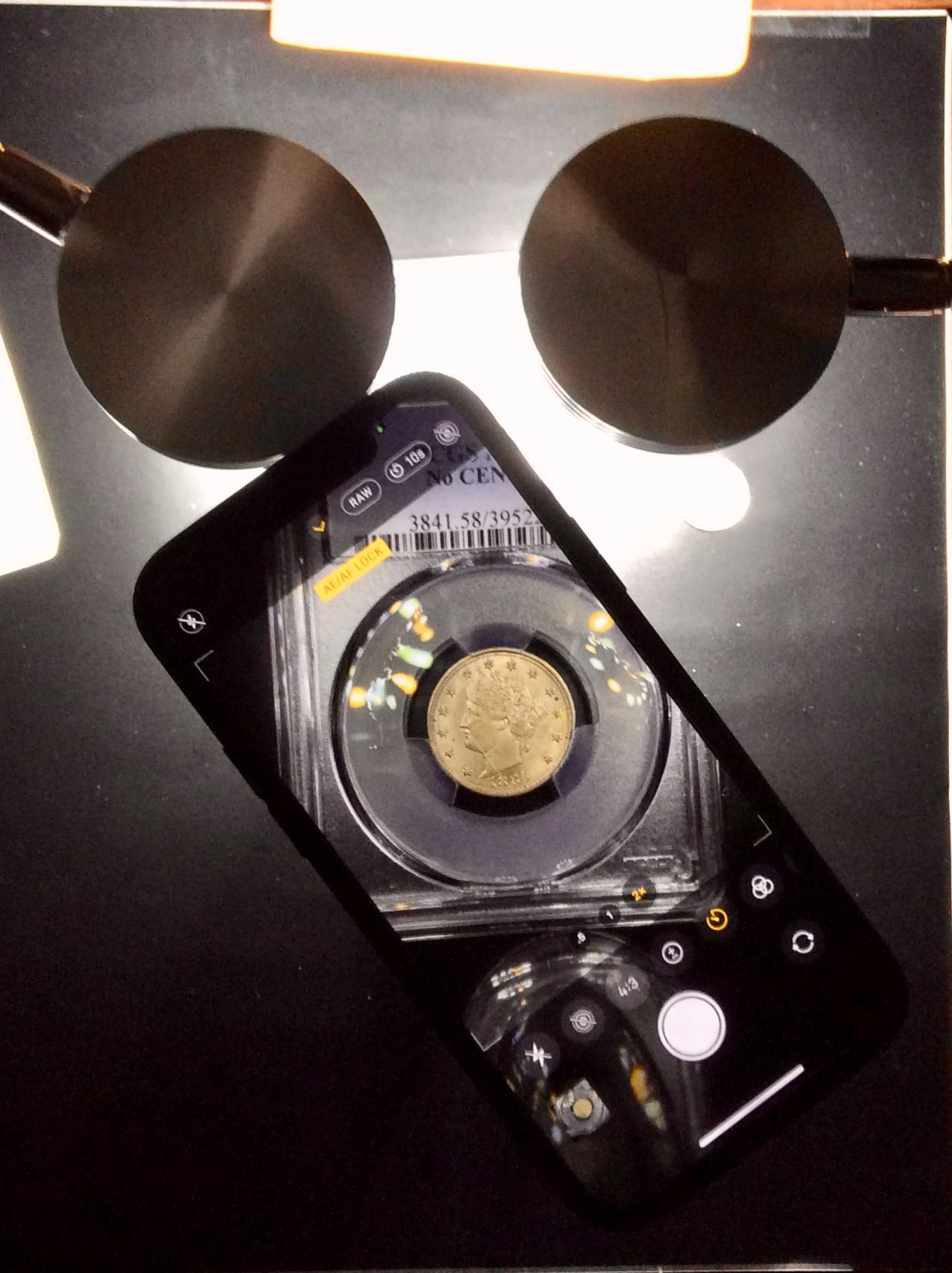
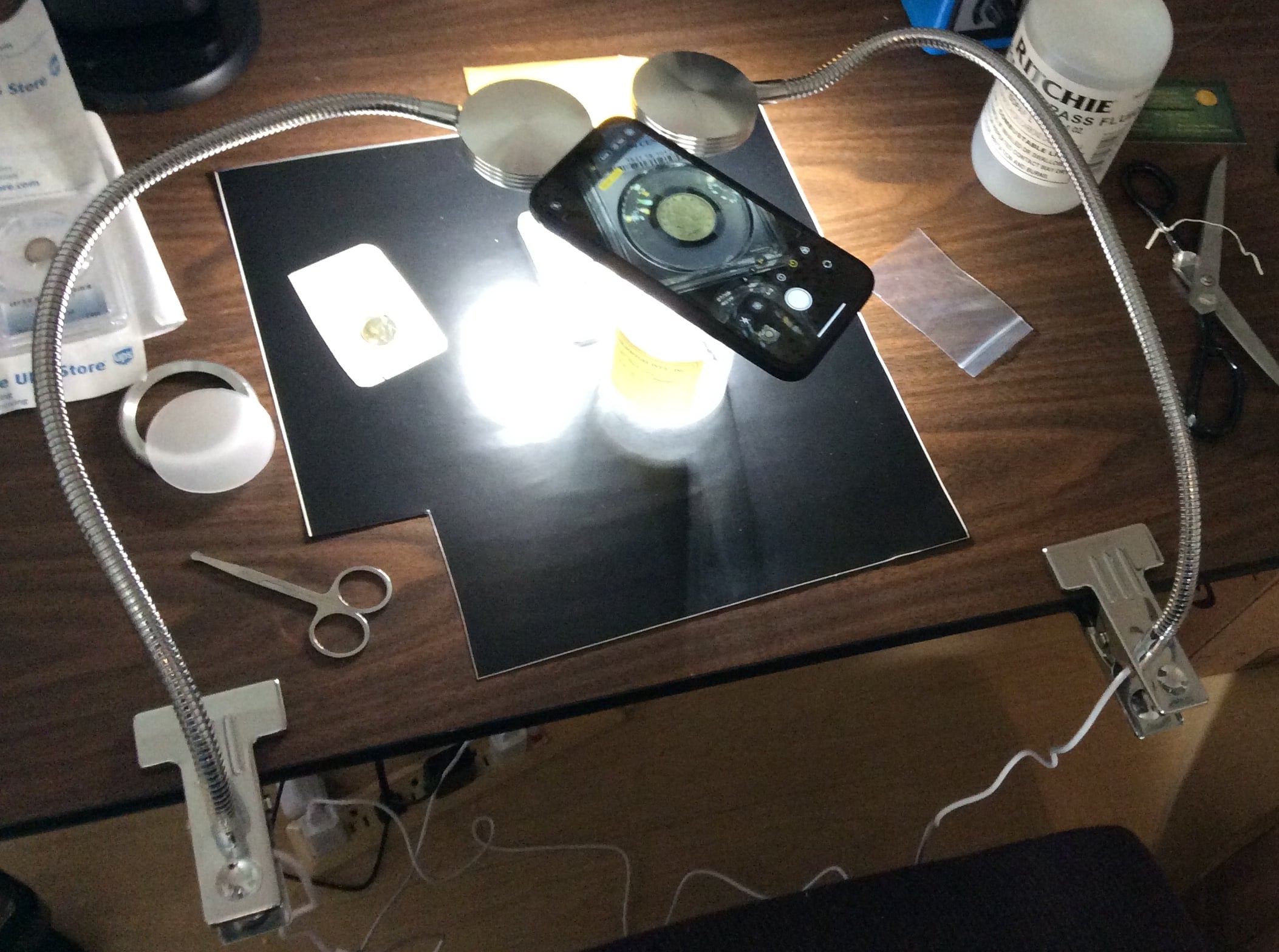
Here’s some example photos
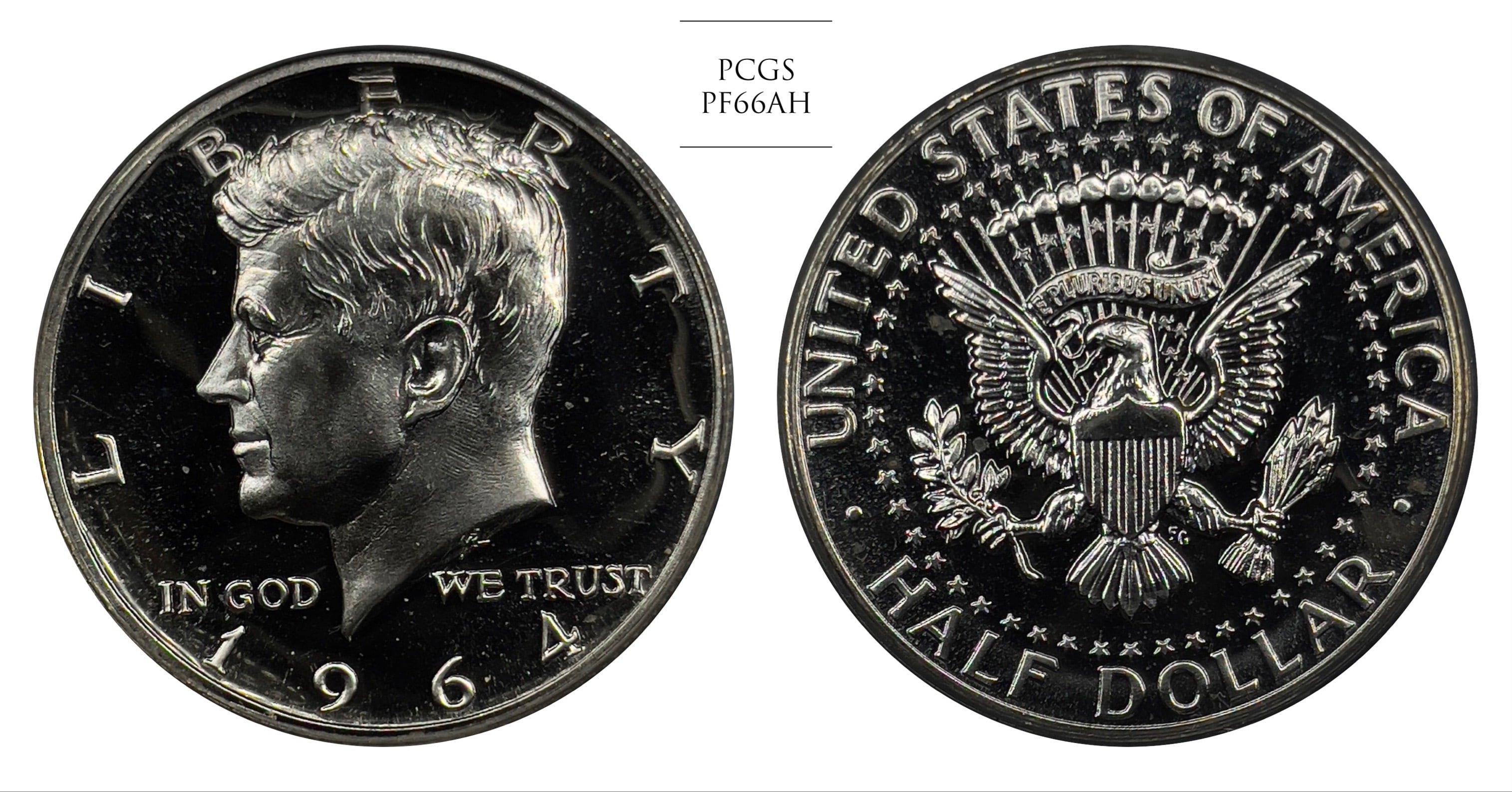
Mr_Spud
Yes, that's what I was referring to. If you just have two lenses, then the normal one will be the one to use. Zooming with that one is equivalent to cropping, as the zooming operation is entirely digital. The only difference is that it's done before additional processing that happens behind the scenes inside your phone. Make sure your phone is completely stable, as any shake will compromise the sharpness of the image. Use the self-timer to delay the exposure for a couple seconds after you've tapped the exposure button.
Keeper of the VAM Catalog • Professional Coin Imaging • Prime Number Set • World Coins in Early America • British Trade Dollars • Variety Attribution
Interesting, so increasing the exposure actually helps in smartphone cameras?