Options
"Manual Focus" troubleshooting
 Meltdown
Posts: 9,316 ✭✭✭✭✭
Normally, I leave everything on auto and just let the camera do what it's going to do. I have a decent Cannon T5 with a couple lights and a stand.
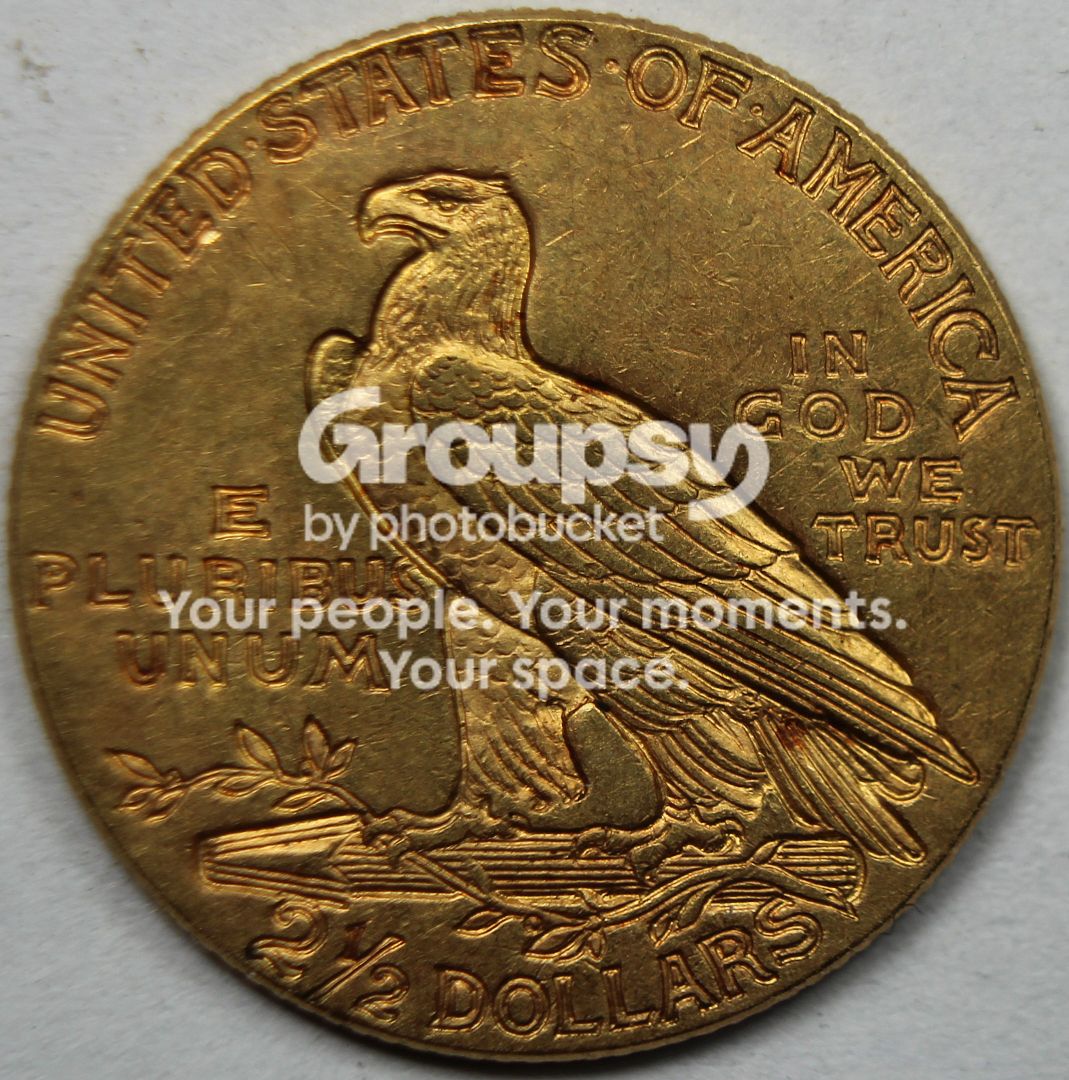
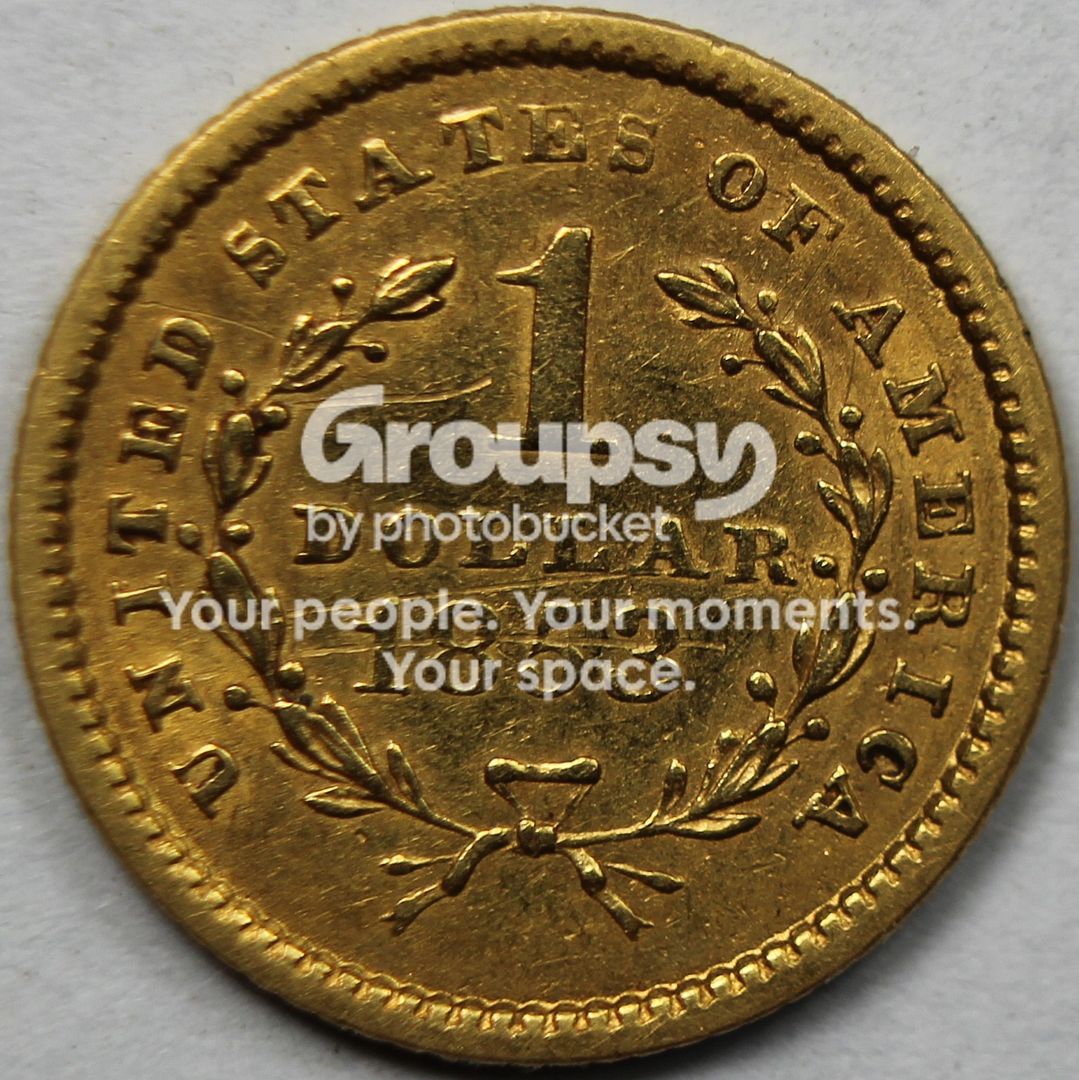
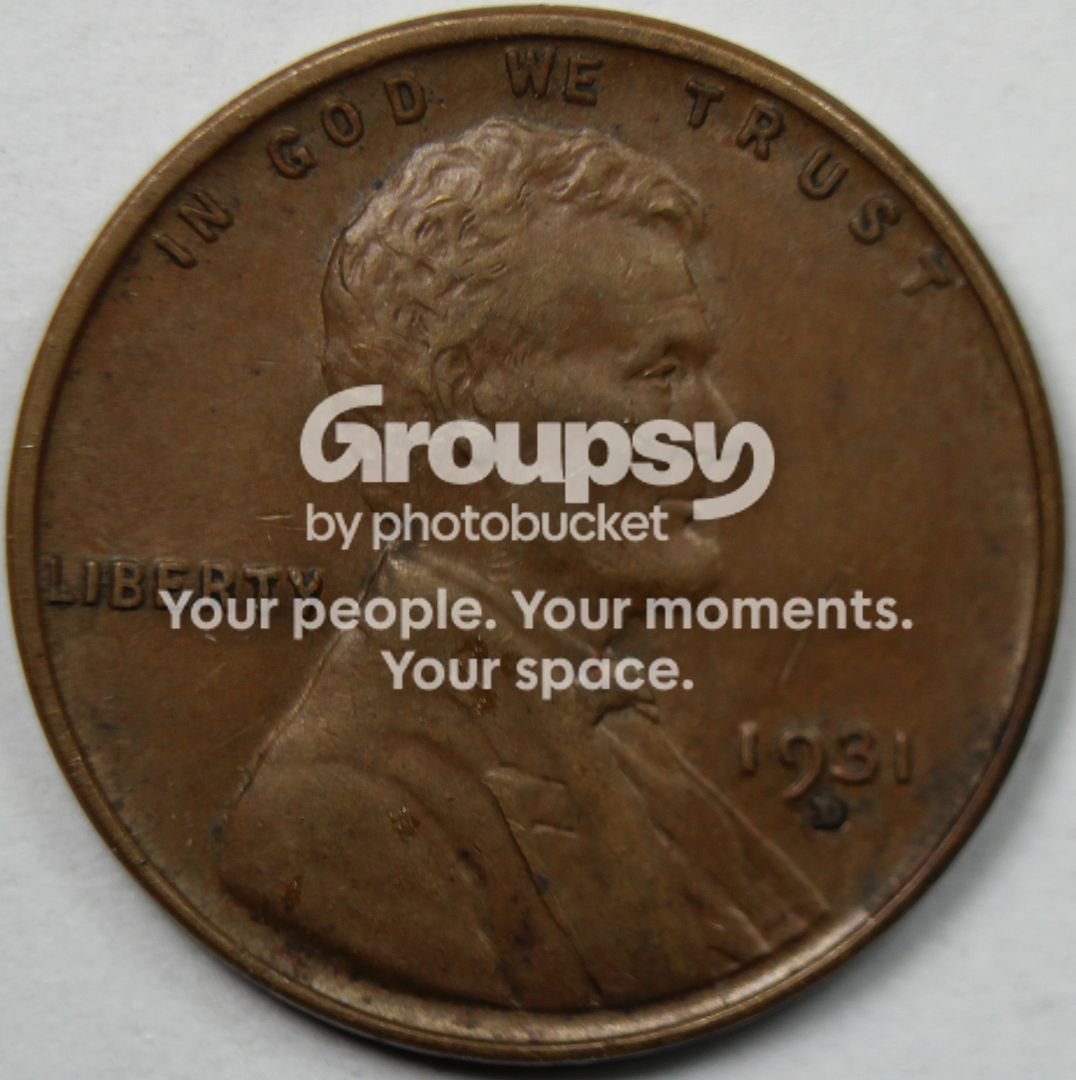
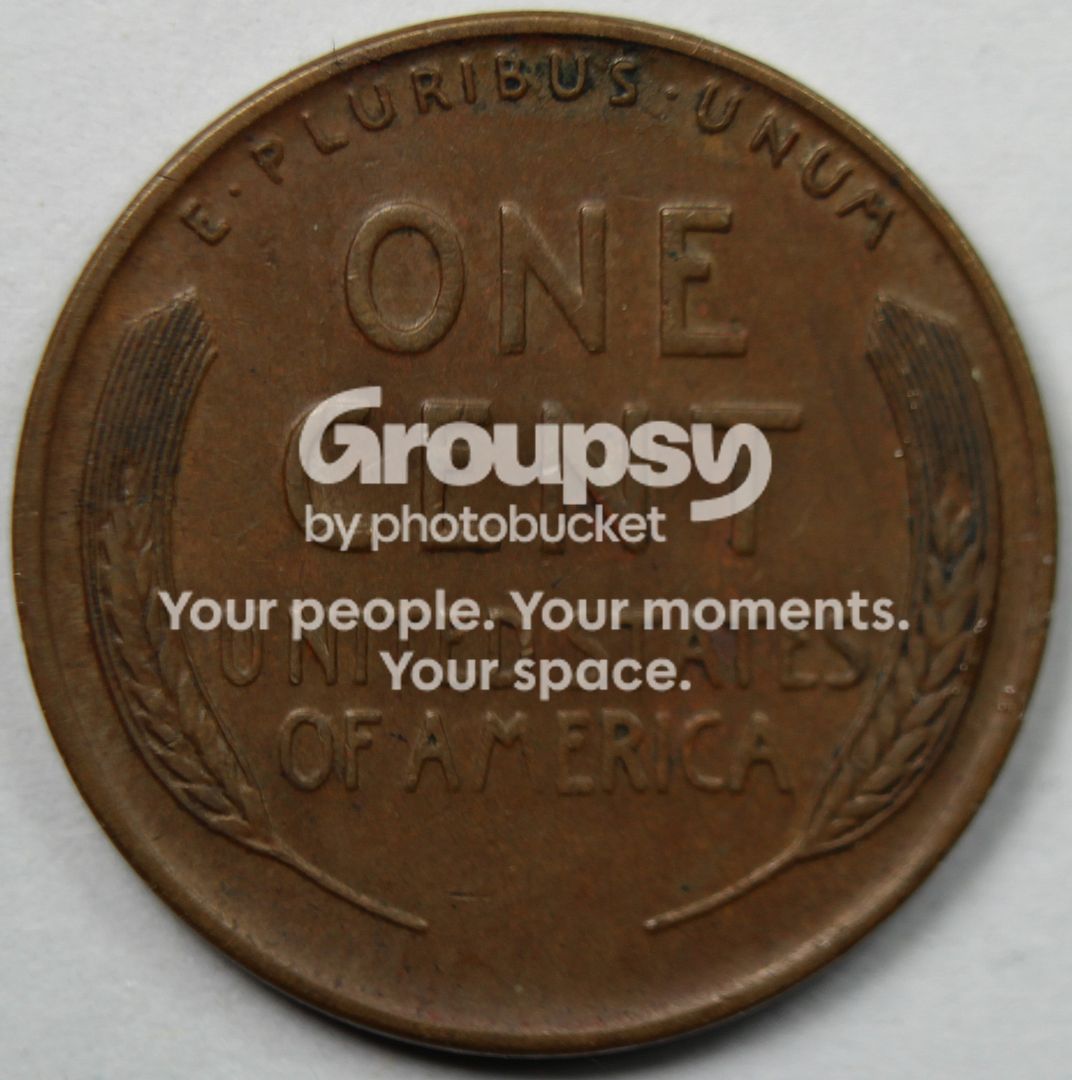
Recently I bought a couple lens adapter things that sort of act like a macro for taking closer shots. The auto focus didn't like being so close to the action so I used manual and brought the coin in fairly crisp according to my viewfinder. After uploading a few shots it's clear that only part of the coin is in focus. Is there a better way to ensure the whole coin is captured?
Here's a few examples...
Lower left & lower right on all images seem to be soft...


0
Comments
You camera and coin may not be completely parallel. Also bump to an f stop around 10-12 to increase depth.
Also looking at your pic, you might be getting vibration, if your shutter speed is slow make some adjustments to compensate.
Adaptor rigs as in lenses, yuck.
Get a good 100 macro lens
Thanks for the heads up, this may be the case... the table I had this sitting on was pretty flimsy and it doesnt take much to jiggle it.
I impulse purchased 3 Adapter rings for $10 at an estate sale. So far with only a little checking, a macro lens is at least $100-$150.
Yes, the problem is with the adaptor rings. Putting bad glass in front of good glass is never a good idea.
Buy extension tubes instead if you want to save money.
Makes perfect sense... I will at some point. Yesterday I was all excited to try and finally shoot the tinier coins in my collection.
Smaller f stop will increase depth of field. Use the self timer so you do not touch the camera to make the exposure.
Yes... what Smudge said.
You could be getting some camera shake.
Even the mirror slap can cause shake.
If the camera has mirror lock up... try this
BST: KindaNewish (3/21/21), WQuarterFreddie (3/30/21), Meltdown (4/6/21), DBSTrader2 (5/5/21) AKA- unclemonkey on Blow Out
Somethings not level.
Yes... I see it now.
Abe's head is in focus while the date is OOF.
There is an invisible plane called depth of field. A level might actually help or moving the aperture from say F11 to F22.
BST: KindaNewish (3/21/21), WQuarterFreddie (3/30/21), Meltdown (4/6/21), DBSTrader2 (5/5/21) AKA- unclemonkey on Blow Out
Moving the aperture from f11 to f22 would be counter productive.
First make sure coin is level with lens. The best aperture setting for coins should range somewhere between f5.6 and f11. F22 would actually make the coin look even more out of focus than f8. You would also have better results using manual focus instead of auto focus. Since you have a Canon camera you should take advantage of tethering your camera to your computer. This would allow you to control your camera through your computer, this includes focusing and snapping the photo.
- Bob -

MPL's - Lincolns of Color
Central Valley Roosevelts
here's the deal.
The last layer of macro lens glass is flat.
A normal lens is curved. Cheap curved lens adapters are curved. Adding them compounds the problem Curved glass distorts and that is what you are seeing.